3
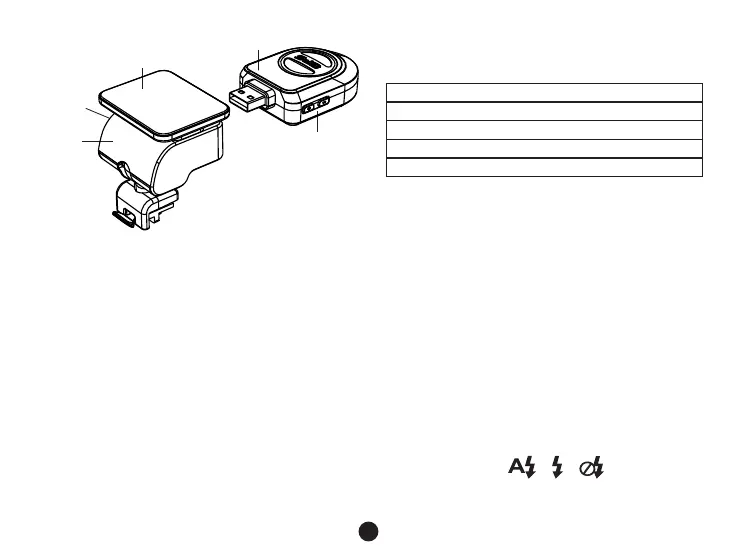
21
22
23
24
25
b) Button function
Power button
Press this button for 2~3 sec. to turn on / off the device.
In recording mode or standby mode, press to turn the LCD display on / off.
Photo button
In video mode, in any time, press this button to take a photo.
Reset button
If the device crashes, press this button to reset the device.
Menu button
Press this button during standby status or playback mode, menu list of current mode will appear.
21. GPS module/Speed camera detector module
22. Voice switch for speed camera detector
23. Power input
24. Sticker holder
25. Camera holder



 To Next Page