6
b) GPS / Speed camera detector installation
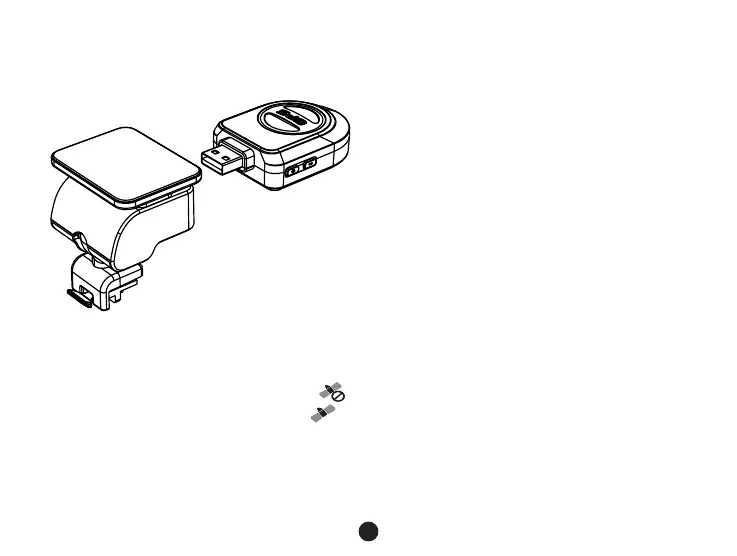
Insert GPS / Speed camera detector module into the camera holder, as in the picture bellow:
Install the device on the windshield with the sticker or the sucker holder.
When the device is powered, speed camera detector speaker will provide voice instructions from the speed camera
detector speaker, and the device will automatically start to receive GPS signal.
Note: GPS module works properly only when it is plugged into the DVR mount adapter that is connected
to a power into the car lighter.
When you want to change the voice alert setting, the GPS module must be connected to power into the car lighter
according to the notes above.



 To Next Page