09
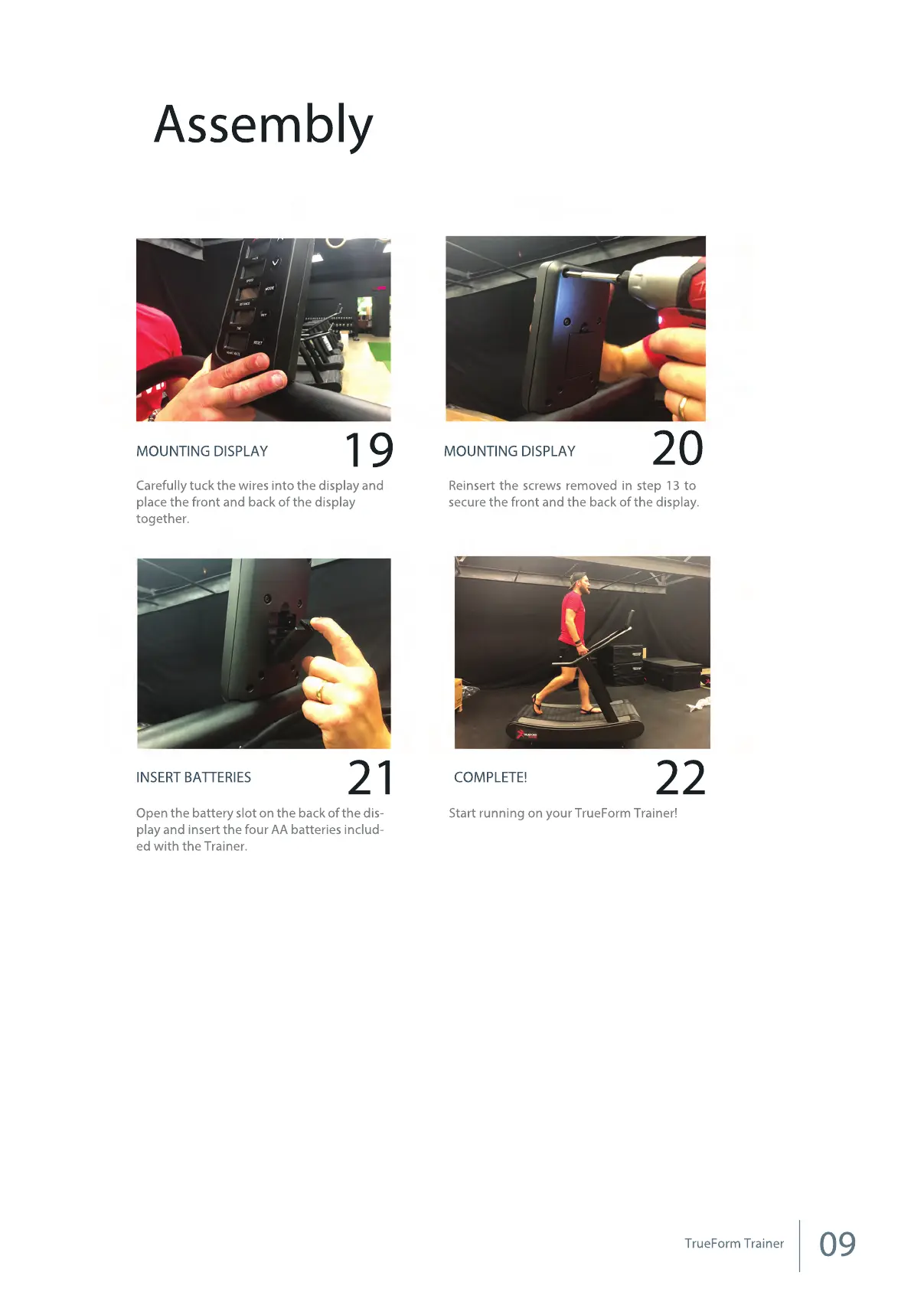
Start running on your TrueForm Trainer!
COMPLETE!
2221
Open the battery slot on the back of the dis-
play and insert the four AA batteries includ-
ed with the Trainer.
INSERT BATTERIES
MOUNTING DISPLAY
19
20
Carefully tuck the wires into the display and
place the front and back of the display
together.
Reinsert the screws removed in step 13 to
secure the front and the back of the display.
MOUNTING DISPLAY
Assembly
TrueForm Trainer



 To Next Page