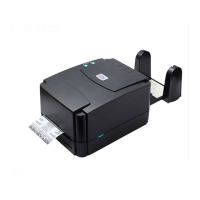
Printer Initialization
Printer initialization sets printer parameters to default values. And it will not clear downloaded files resident in flash memory.
Please follow the steps below to initialize the printer:
1. Turn off the printer power > Hold down the PAUSE and FEED buttons > Turn on the printer.
2. Do not release the buttons until the three LED flash in turn.
Note: Printing method (thermal transfer or thermal direct printing) will be set automatically at the activation of printer power. When
printer initialization is done, sensor sensitivity will be reset to default. Sensor calibration is required before printing labels.
Printer configuration will be restored to defaults as below after initialization.
200 dpi: 50.8 mm/sec (2 ips) 300 dpi: 38.1 mm/sec (1.5 ips)
9600 bps, none parity, 8 data bits, 1 stop bit


 To Next Page
 Loading...