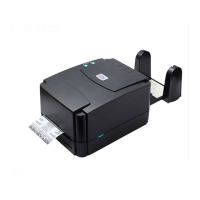
Gap Sensor Calibration Utility
This utility is used to calibrate the sensitivity of gap sensor. Please follow the steps below to calibrate gap sensor:
1. Turn off the printer power > install blank labels > Hold the PAUSE button > Turn on printer power.
2. Release PAUSE button when printer feeds labels > Do not turn off printer until the printer stops and two green LED
lights on.
Note: Black mark sensor has fixed sensitivity. It is no need to calibrate the black mark sensor


 To Next Page
 Loading...