4–4 AEROTRAK™ Remote Airborne Particle Counters
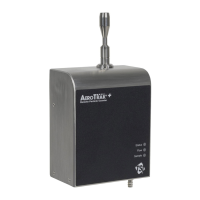
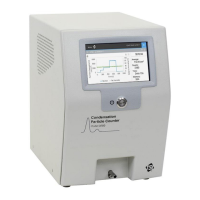
5. Carefully remove one of the port plugs. You may need to use a
twisting and pulling motion as the plugs have O-rings around
them. Note the present Laser Reference Voltage on the DVM.
6. Look into the open cleaning port. Really bright sparkles on the
optical surface indicate dust or debris on the surface.
7. Pour a small amount of acetone into a clean container. Wet a
cotton swab with a small amount of acetone. Shake off the
excess. The swab should be moist, not wet. Clean one of the
optical surfaces using gentle pressure and swiping across the
surface in a single motion.
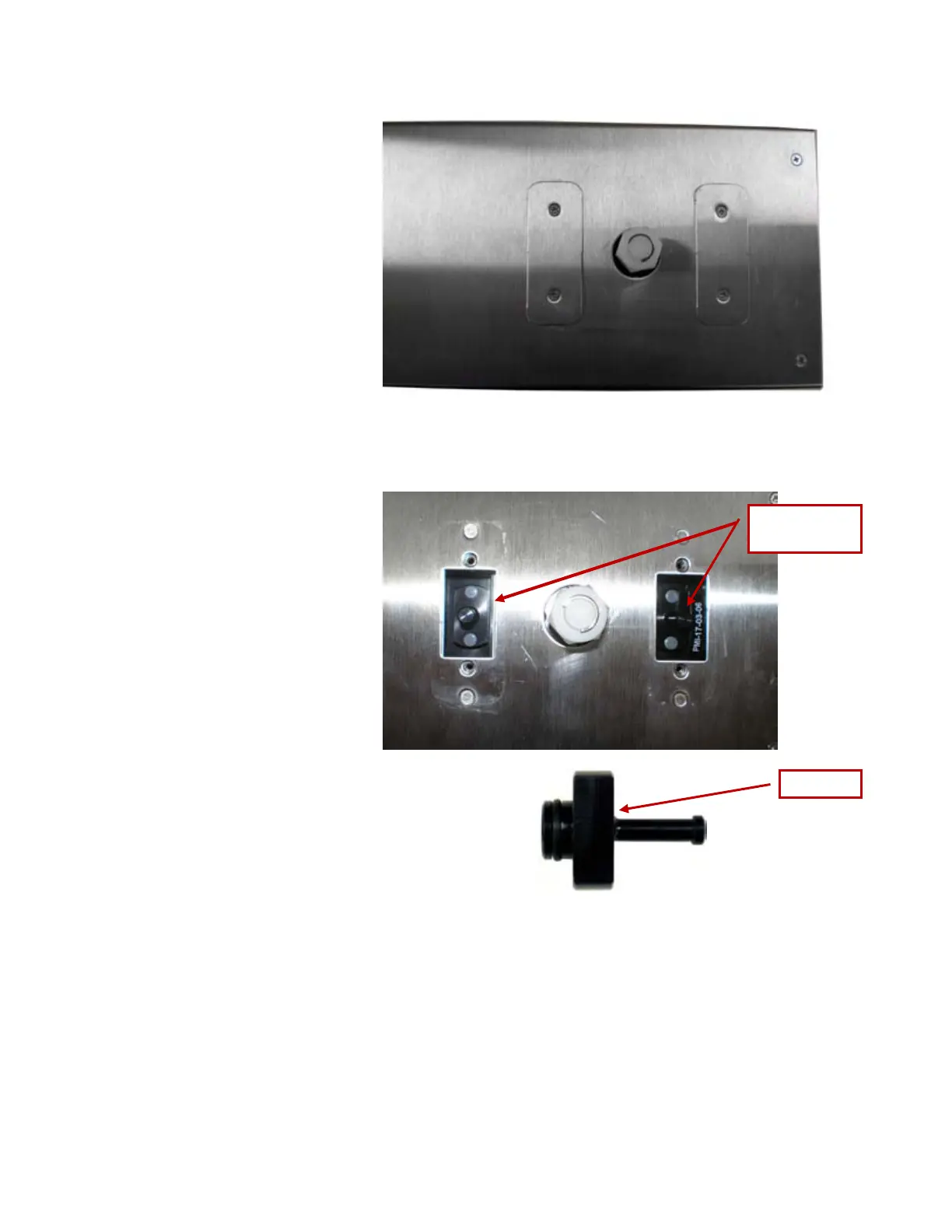
Location of the
Port Plugs
Port Plug



 To Next Page