24
1. Press * to check preview image;
2. Press # to switch the Rear camera or Front camera;
3. Press the le and right navigaon key to switch to video
recording mode.
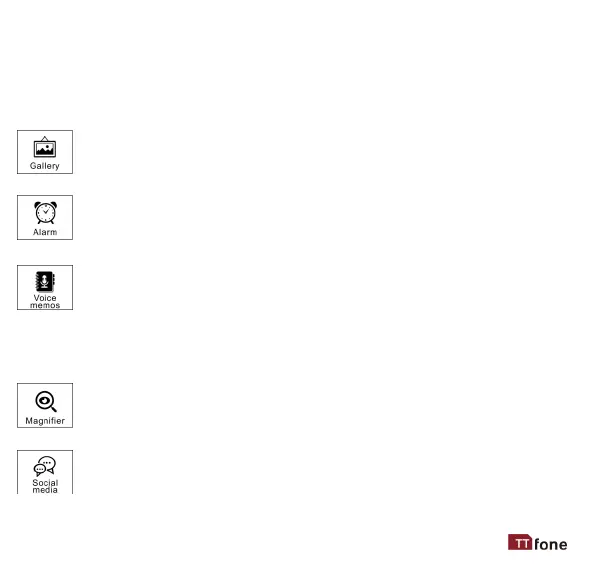
This is where all your pictures and videos are stored use the
navigaon key or the touchscreen to view, send and delete.
Set mulple alarms as reminders or as wake up calls, use
the navigaon keys or touchscreen to select Opons
where you can set a new alarm.
Voice memos are a handy feature where you can set voice notes
that can be played at set mes of the day or at set intervals.
Examples can be a reminder to take medicine at a certain me
or to call someone. Use the navigaon keys or touchscreen to select New.
Here you can record the sound le and set when and at what me it
should play, you can also set opons for it to repeat the messages.
A quick shortcut that uses the inbuilt camera to zoom any
document or text you wish to read.
Opons here for Facebook Lite, Email, Youtube and an
internet browser. Each of these APPs will ask for
permissions and will need some info for seng up your
phone number. Facebook will need your login details.



 To Next Page