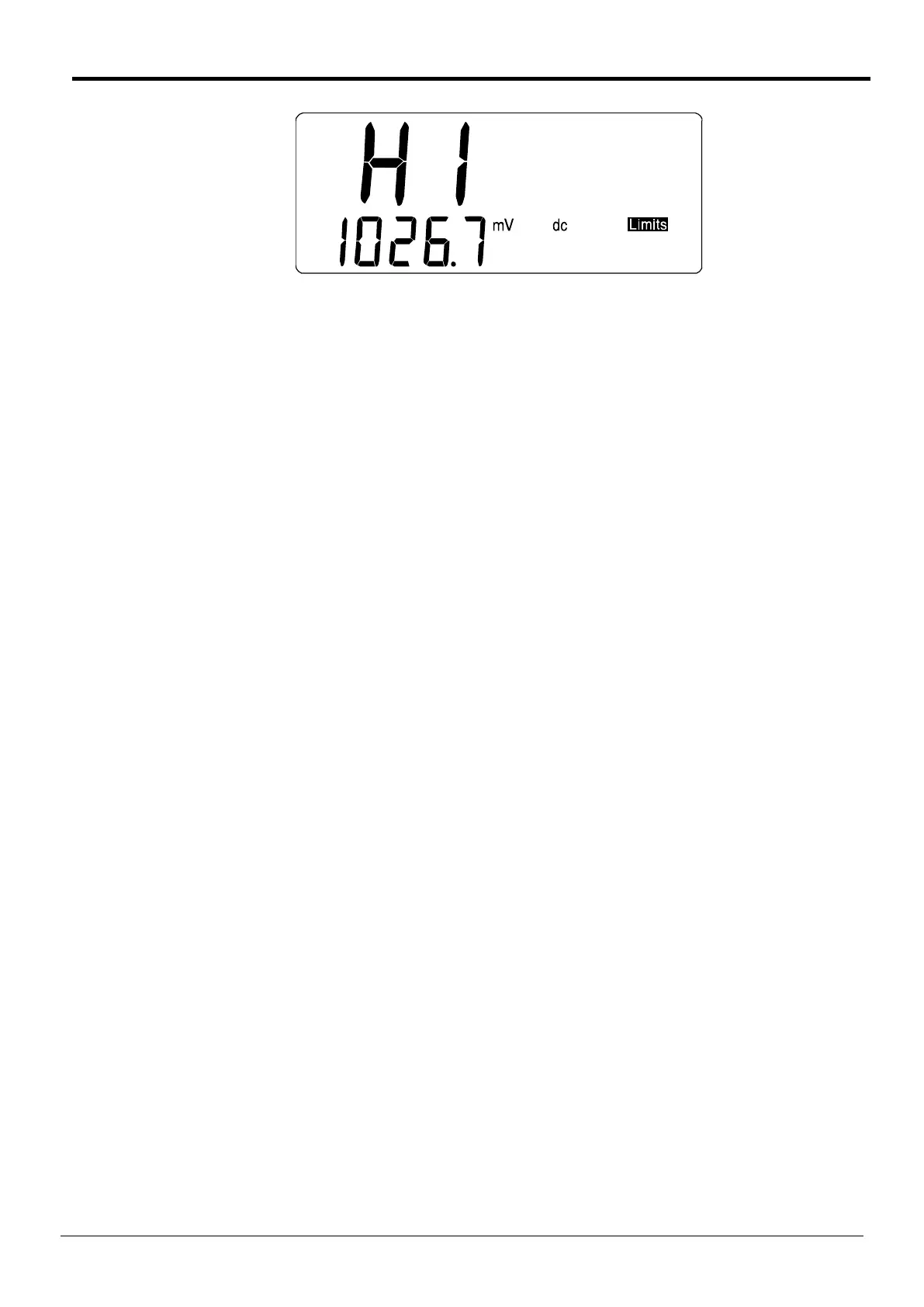
The position of the decimal point and the units of the parameter being edited are determined by
the range in use at the time the modifier is selected. The exception is A of Ax+b which has its
decimal point position fixed after the first digit, i.e. the range for A is ±0.0001 to ±9.9999. If the
meter is in autorange mode and the range in use is inappropriate (e.g. Ohms function is selected
with no input present, causing it to autorange to 20MΩ) first select the required range with the
Range Up/Range Down keys.
Once edit mode is selected, editing is controlled by the Range Up, Range Down and Auto/Man
keys which have the edit mode functions of Change Digit, Step Digit and +/- (change sign)
respectively, as indicated by the blue legend beside the keys.
The flashing digit is the one currently editable; its value can be incremented through the values 0
to 9 and back to 0 using the Change Digit key. The selection of the editable digit is made with the
Step Digit key which moves the flashing digit from left to right, with wrap-around from the
rightmost digit to the leftmost. The sign of the number can be changed with the digit cursor in any
position by alternate presses of the +/- key.
During number editing the default value can always be entered by pressing Clr, the edit function
of Cancel. The current meter reading can be entered as the new number by pressing Copy Rdg,
the edit function of the Null key; this is not allowed for A of Ax + b. If the modifier has more than
one parameter, pressing Edit will save the number just edited and display the new parameter.
Number editing can always be exited without changing the parameter being edited (i.e. the
previous value is restored) by pressing Esc, the edit function of Local.
To exit edit mode with the new number stored press Run to operate the modifier or Edit if there is
another parameter to be edited. To exit edit mode with the new number stored but the modifier
not running press FUNCTION to return to the modifier list and then Cancel.
If the range is subsequently changed the number is retained and will be correctly displayed if edit
mode is reselected in the new range. Note, however, that if a lower range is selected and the
number is too large to be shown on that range, the display will read 99999.
The Change Digit key is also used to increment through the available choices during the editing
of those parameters which have a limited selection of numbers; these include the reference
impedance for dB measurement, interface address and Baud rate.
The Range Up and Range Down keys autorepeat if held; autorepeat also operates when these
keys are used in edit mode.
15
Telemeter Electronic GmbH | Joseph-Gaensler-Str. 10 | Phone +49 906 70693-0 | Fax +49 906 70693-50 | www.telemeter.info 16



 To Next Page