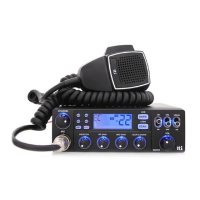
6. Microphone
7. Menu Setting Mode
1
2
4
5
3
On( ) / Off( )
High( ) / Low( ) / Off( )
Off( ) and 1~99 Sec.
Continue( ) and 1-99 Sec.
Off( ) and 1~99 Sec.
Beep Tone
Backlight Dimmer
Scan Delay Timer
(after Receiving signal)
Scan Receive Timer
Time-out Timer
Display SettingsFunctions
2
3
4
5
1
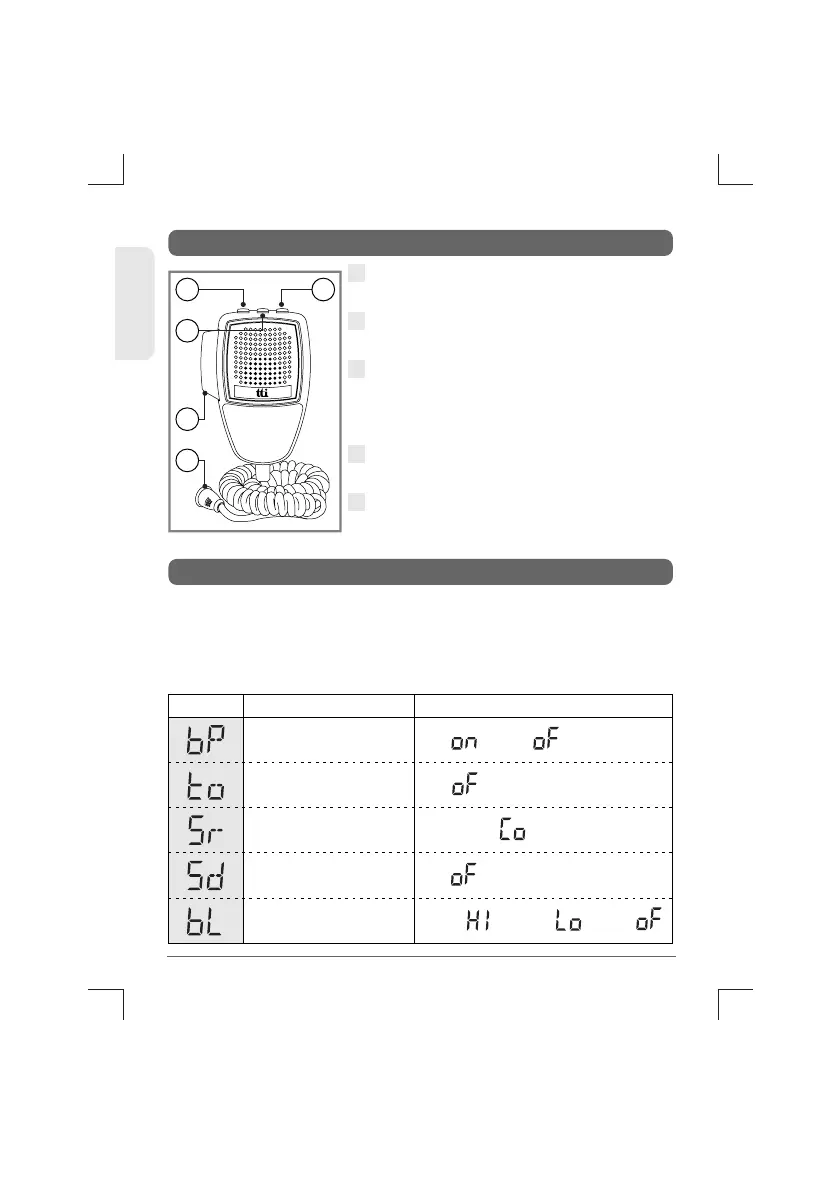
Up Button : Use this button to change
the channels upward.
Down Button : Use this button to
change the channels downward.
Lock Button : This locks the up button
and down button of the microphone.
Also, this lock works same as the lock
button on the transceiver front panel.
PTT Button : While pressing this button,
you can transmit.
6 Pin Microphone Connector : Connect
this to the microphone jack on the front
panel of the transceiver.
Pressing the Lock button of the microphone, turn on the
transceiver. The transceiver goes to the Menu Setting Mode, which
has the following menu features. This menu setting mode allows
you to program user preferences, activate features and use
advanced functions.
10
TCB-771
ENGLISH


 To Next Page