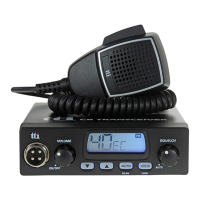
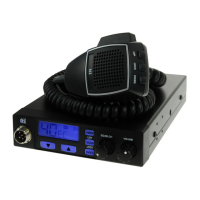
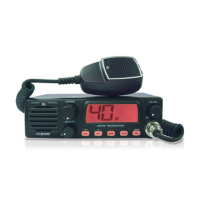
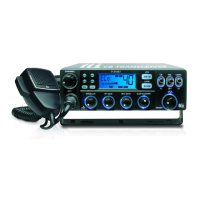
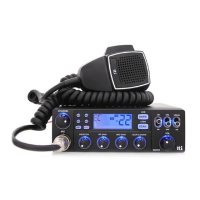
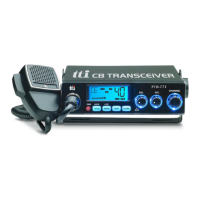
4. Transceiver Controls and Functions
3 4 5 6 7 8 9 10 11 12
13 14 15 16
21
1) Microphone Jack
3) Emergency Button
2) LCD Display
Insert the microphone into this jack. Use the guide for
easy connection.
Most of the operational
information is displayed.
Please see item no. 5 for the details
of information.
Pressing this button will lead you to the emergency
channel, "CH 9" and the EMG icon will be displayed.
The channel selector and quick up/quick
down
buttons will not work. To return to the previous
operation mode, momentarily press the emergency button again.
ENGLISH
6
TCB-771


 To Next Page