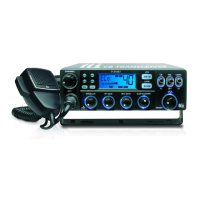
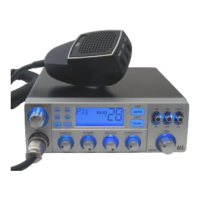
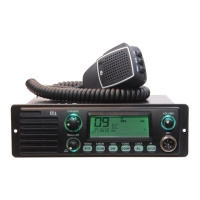
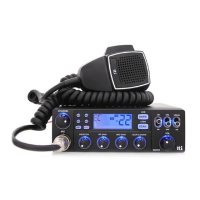
TCB-900
English 13
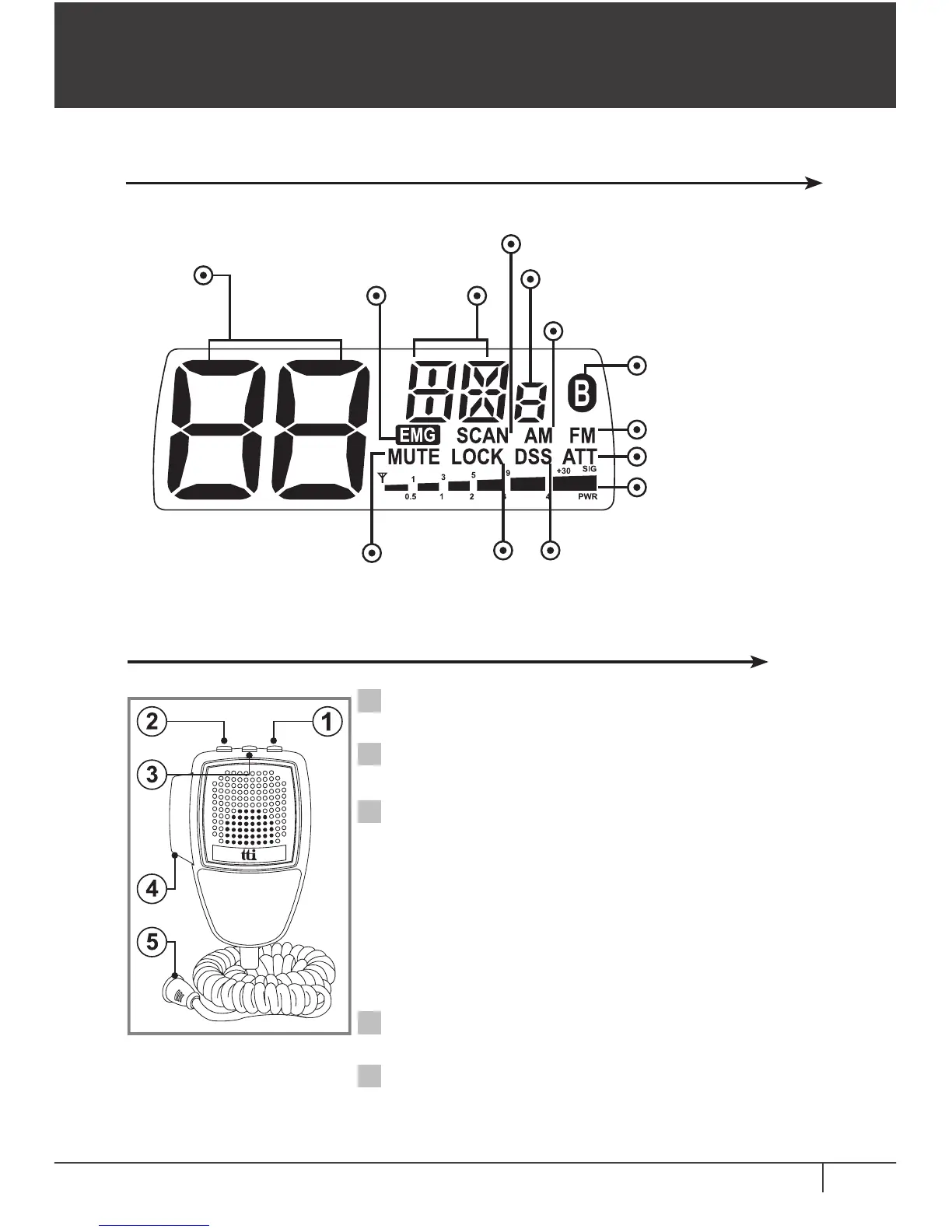
5. LCD Display
6. Microphone
Up Button : Use this button to change the
channels upward.
Down Button : Use this button to change the
channels downward.
PTT Button : While pressing this button, you
can transmit.
6 Pin Microphone Connector :
Connect
this to the microphone jack on
the
front panel of the transceiver.
1
2
3
4
5
LCD Display & Microphone
Channel Emergency
Channel
Band
Scan
MIC Gain
Hi/Low
AM Mode
FM Mode
Bluetooth Compatible
(Optional Bluetooth
Compatible Model Only)
Attenuation
Signal Strength
Meter
Dynamic Squelch
Tuning System
Keypad
Lock
Speaker Mute
Mute and Lock Button :
Speaker Mute: Momentarily press
this button to make the transceiver
speaker mute.
Keypad Lock: Long press of this
button locks the up button and down
button of the microphone. Also, this
lock works same as the lock button on
the transceiver front panel.


 To Next Page