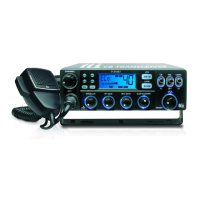
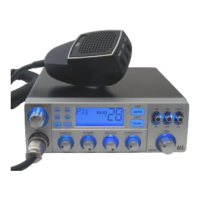
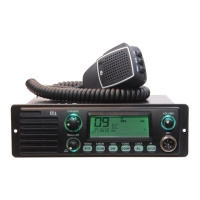
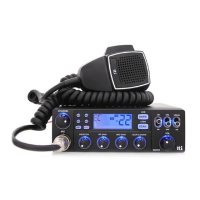
TCB-900
English8
Transceiver Controls and Functions
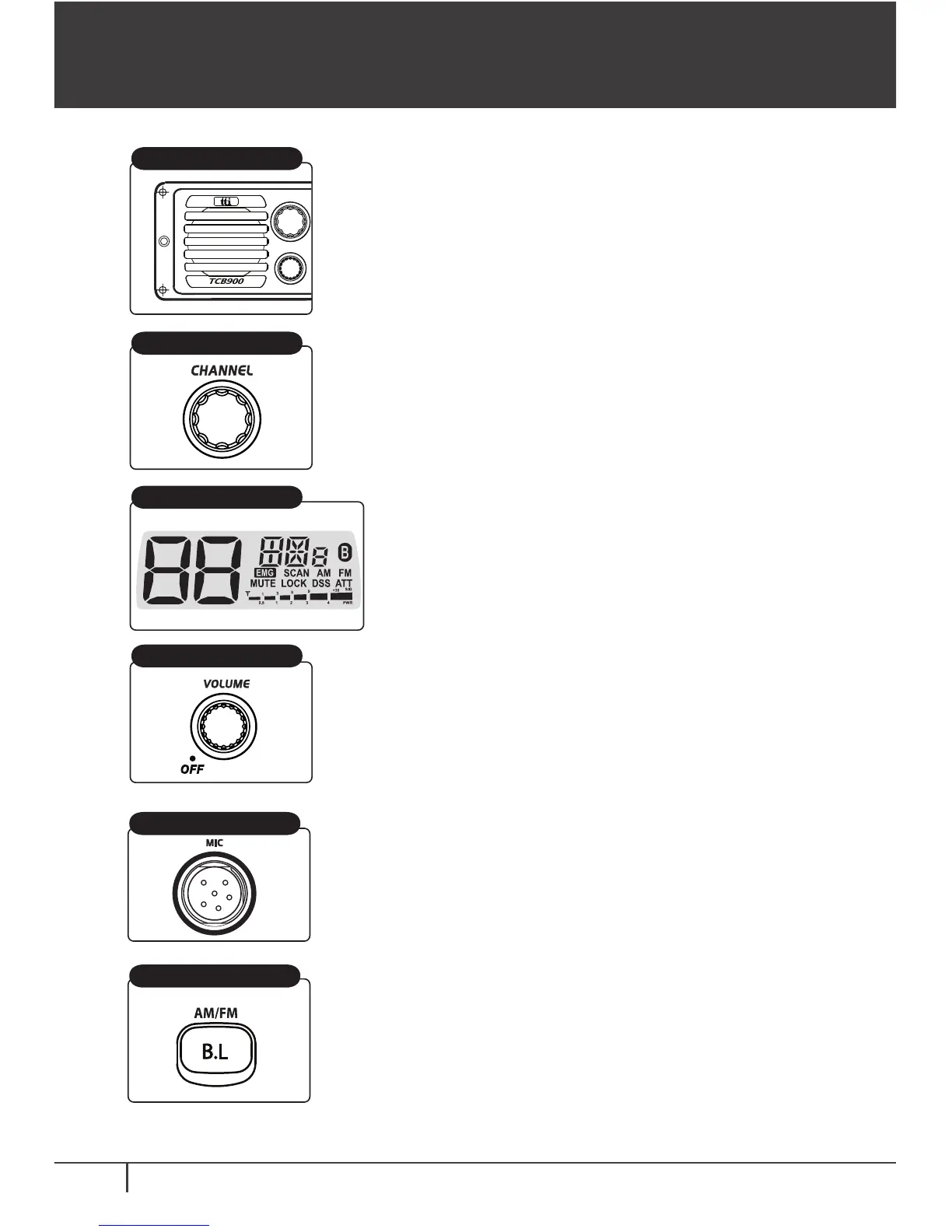
1) Front Speaker
2) Channel Selector
3) LCD Display
4) Volume & Power On/Off Knob
Front Speaker
LCD Display
Channel Selector
Volume&Power Knob
5) Microphone Jack
6) Backlighting and AM/FM
Microphone Jack
Backlighting & AM/FM
The front speaker makes the audio always loud
enough even when the transceiver is located in the
audio compartment(center fascia) or in some
places difficult to be found.
Turn right or left, and this allows you to move the
channel one by one for you to select one that you
like to use.
Most of the operational information is
displayed. Please see item no. 5 for the
details of information.
To switch on the transceiver turn this knob clock-
wise. After clicking sound the transceiver is switched
on. The more you turn this knob clockwise, the
bigger the audio sound grows.
Insert the microphone into this jack. Use the guide
for easy connection.
Backlighting:
Three colours are available for user
selection. The colours include blue, purple and
amber. Momentarily press this button to change the
colour.
AM/FM:
This button allows user to switch between
AM and FM modes by pressing this button for about
2 seconds.


 To Next Page