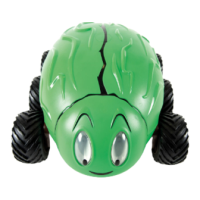
Getting Started with Pro-Bot
Pro-Bot Basics – A Program
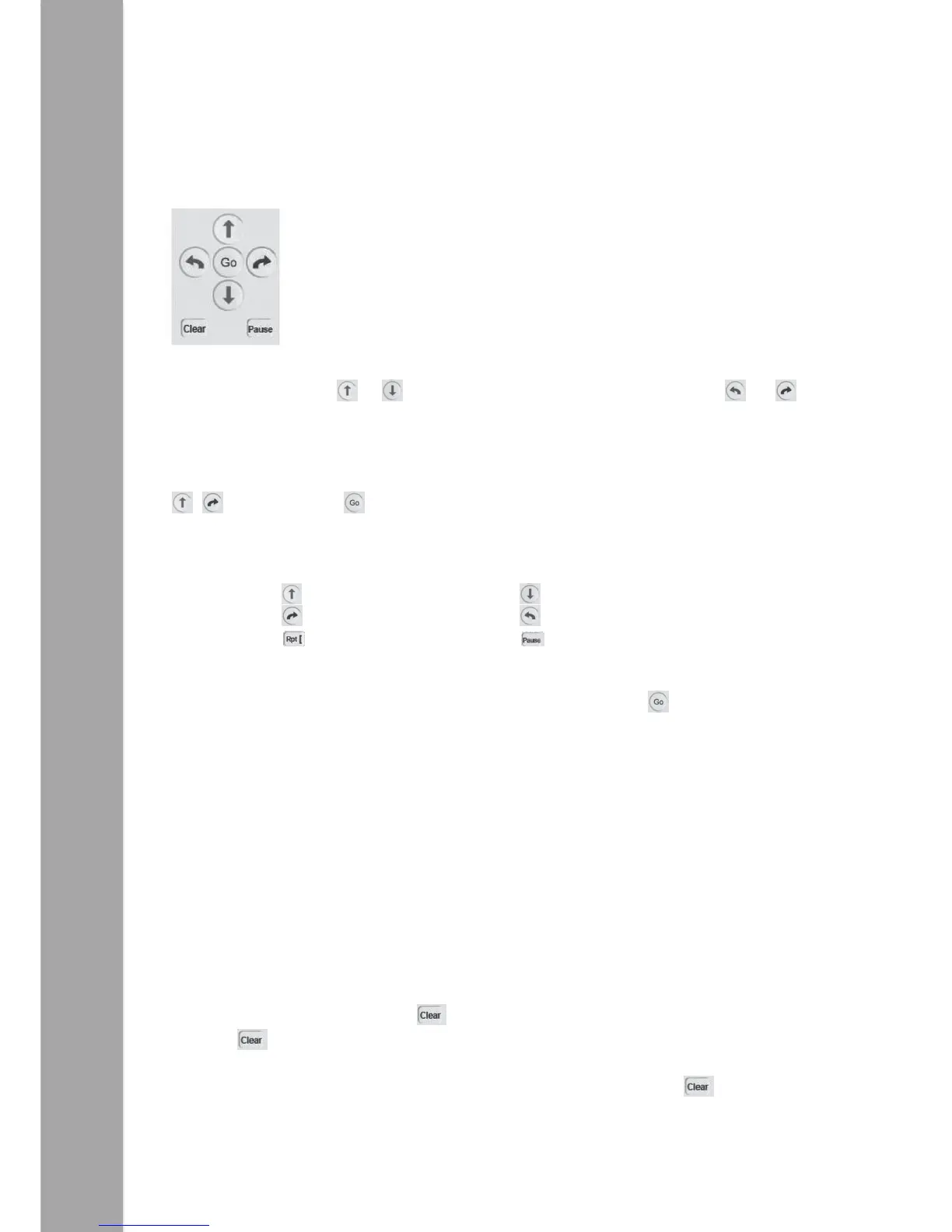
In a programming language, such as Logo, a program is a sequence of
commands that are executed in the order specified. With the Pro-Bot,
like the multi-award winning Bee-Bot®, a simple program can be
developed using only the four arrow keys. Surprisingly complex and
extended sequences can be created without requiring any other keys.
By default, pressing a or moves the Pro-Bot 25cm and pressing the or
rotates 90º. Pro-Bot’s memory can hold over 200 steps, making it possible to create
longer and more complex program sequences.
Here’s a sample program to get you started. After entering the following commands
four time press and the Pro-Bot will trace out a square with 25cm sides.
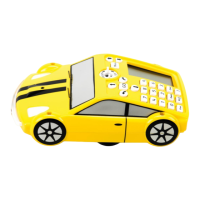
When writing programs on the Pro-Bot, the short form of the program commands is
displayed on the LCD screen of the Pro-Bot:
TIP: If you want to stop the Pro-Bot when it is going, press the key again.
Editing Your Program
One of the great strengths of the Pro-Bot is its ability to edit the programs using the
built-in LCD. Use the scroll keys above the display to move the cursor up and down the
list of commands.
To insert a command in between two commands, move the cursor onto the command
you want to insert after, then type the new command.
TIP: To insert in front of the first command of a program, move the cursor to the very
top of the display (above the first command).
To delete a command, press the key.
Pressing will only delete the last key pressed on each line.
TIP: To delete the whole program or individual procedures, hold the key down for
3 seconds and select the required option using the scroll keys and key to confirm.


 To Next Page