Key Focus 2 - Create a program using commands and
parameters
Preparation
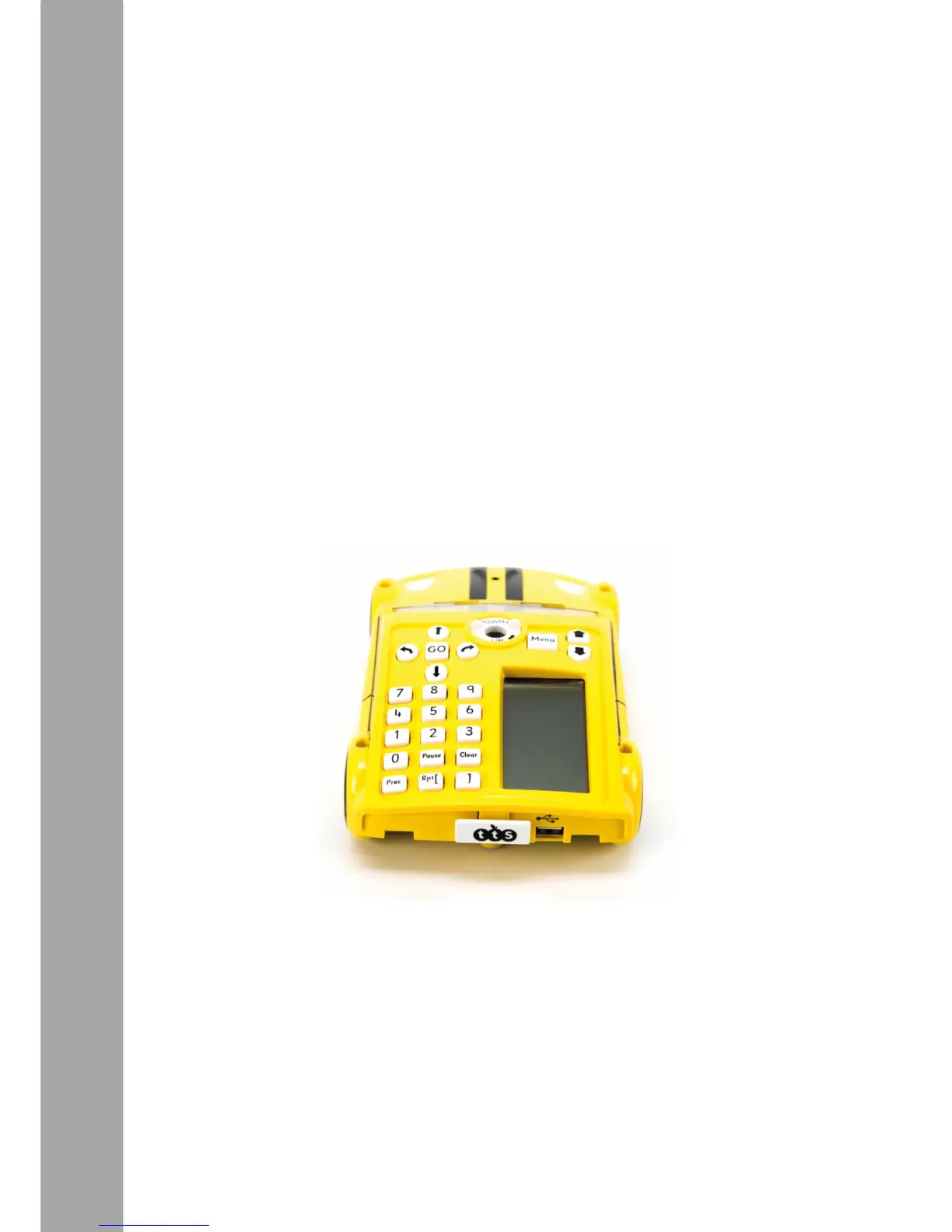
Check Pro-Bot powers-up when switched on. Identify a suitable surface to run Pro-Bot
on. Smooth surfaces will allow Pro-Bot to move more accurately.
Activity
Once confident with the basic movements, children should begin adding parameters to
commands, e.g. “Forward 10”. ‘Forward’ is the command and ‘10’ is the parameter.
The parameter tells Pro-Bot how far to move forward. Angles of turn are also
parameters that can be added to Left or Right, e.g. “Right Turn 45”.
Children should spend some time experimenting with parameters and noticing how
these affect Pro-Bot's movement. They might work on creating regular polygons. A
square is a good place to start.


 To Next Page