Key Focus 1 - Create a simple program using basic
commands
Preparation
This activity may be done with or without a mat. Check Pro-Bot powers-up when
switched on.
Activity
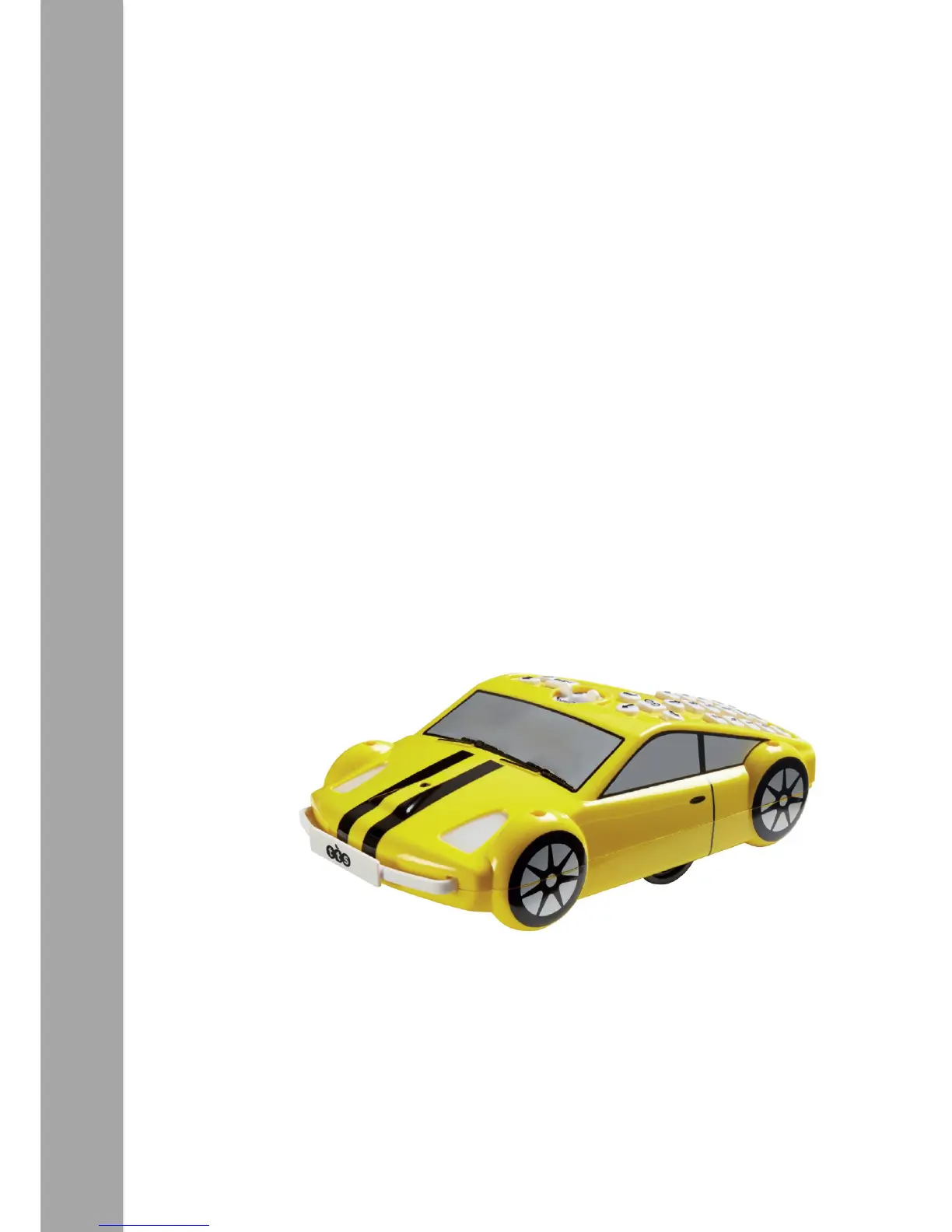
Some of Pro-Bot’s control buttons mirror those of Bee-Bot and Blue-Bot, i.e. Forward,
Backward, Left, Right and Go. Using these buttons allows Pro-Bot to be operated in an
identical manner to Bee-Bot/Blue-Bot and enables progression to be made in small
steps. As with Bee-Bot, mats and grids are available to support children’s
understanding of basic movement. Children should be given time to use these basic
commands to make Pro-Bot move. This activity may effectively be a re-cap of Bee-
Bot/Blue-Bot or a first introduction to Pro-Bot.


 To Next Page