Activity
After spending time experimenting with Pro-Bot and drawing
simple regular polygons, pupils can begin to look at ways to
become more efficient in their programming.
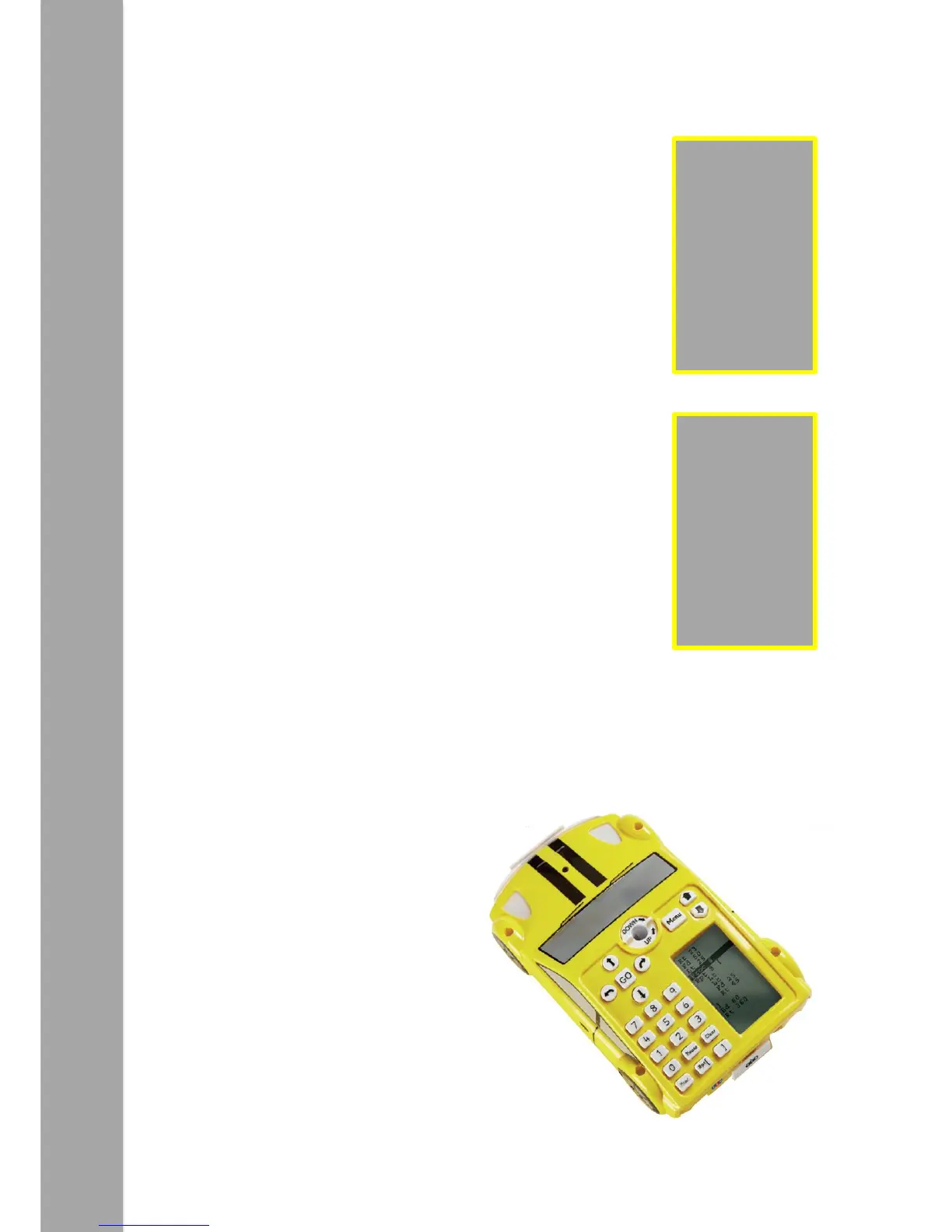
Pro-Bot has a ‘Repeat’ command. This can be used to repeat
one or several commands. In the previous activity children
might have used commands (such as the ones shown here) to
draw a square.
Ask the children to look carefully at the commands. Can they
see which instructions repeat and how many times they
repeat?
The commands ‘Fd 10’ and ‘Rt 90’ are repeated four times.
To draw the same square as the example above, enter the
commands as shown.
Use a pen in Pro-Bot’s pen holder to draw shapes. Which
other regular polygons can be created?
Try using Pro-Bot to draw an equilateral triangle. This is quite
challenging and can provoke useful discussions about internal
and external angles.
You might also talk about the relationship between the
number of sides and the angles, e.g.
A square - 4 sides, external angle 90°
A pentagon - 5 sides, external angle 72°
An octagon - 8 sides, external angle 45°
Tip: For each of the above multiply
the number of sides by the angle.


 To Next Page