10
Go to Table of Contents
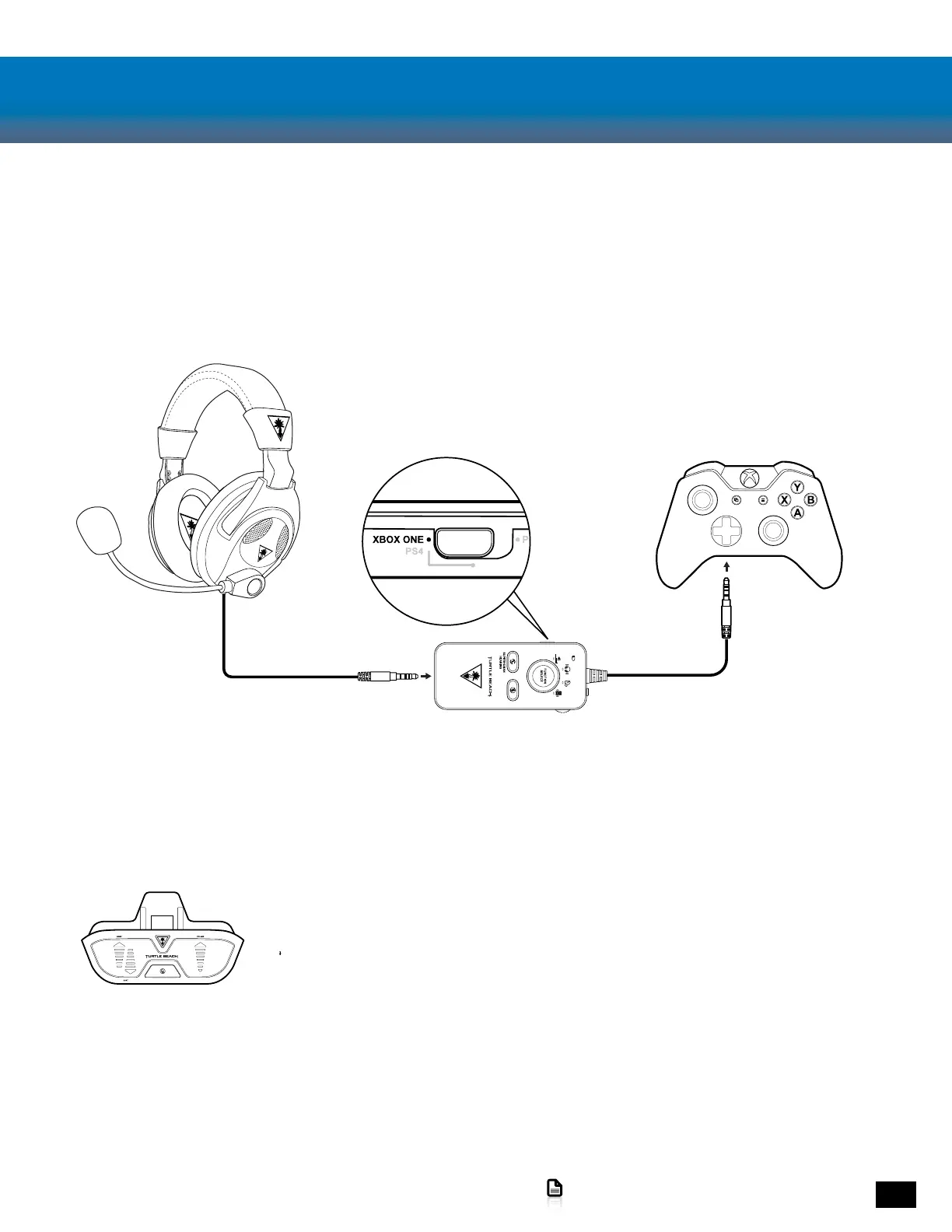
Xbox One Setup
1. Set to Xbox One Mode
2. Power ON the Amplifier
3. Go to Settings >> Devices and accessories >>
Xbox One Wireless Controller >> Volume
4. Set Volume to Maximum
5. Set Mic Monitor to Minimum
Note: The PX24 requires the NEW Xbox One Controller with 3.5mm
headset jack. Purchase the Ear Force Audio Controller from
Turtlebeach.com to use the PX24 with the original Xbox One Controller.














 To Next Page