9
Go to Table of Contents
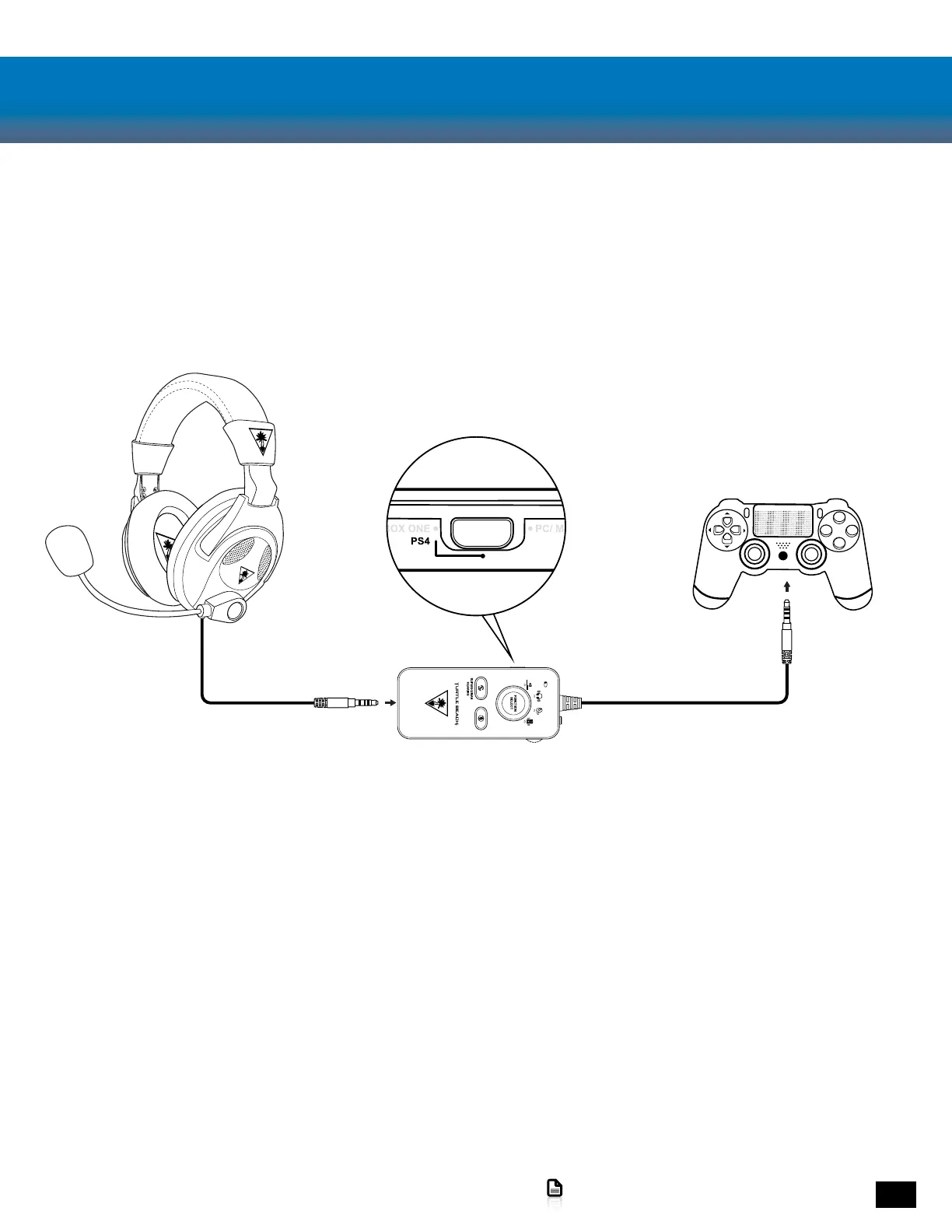
PS4 Setup
1. Set to PS4 Mode. Power On the Amplifier
2. Go to Settings >> Devices >> Audio Devices
3. Set Input & Output Device to Headset Connected
to Controller
4. Set Output to Headphones to All Audio
5. Set Volume Control (Headphones) level to maximum
6. Select Adjust Microphone Level and follow the on-screen instructions to calibrate your microphone














 To Next Page