17
Mode Button
Game and Chat / Mic
Presets
Cycle through alternate
presets
Presets and Modes
Navigating through Presets and Modes
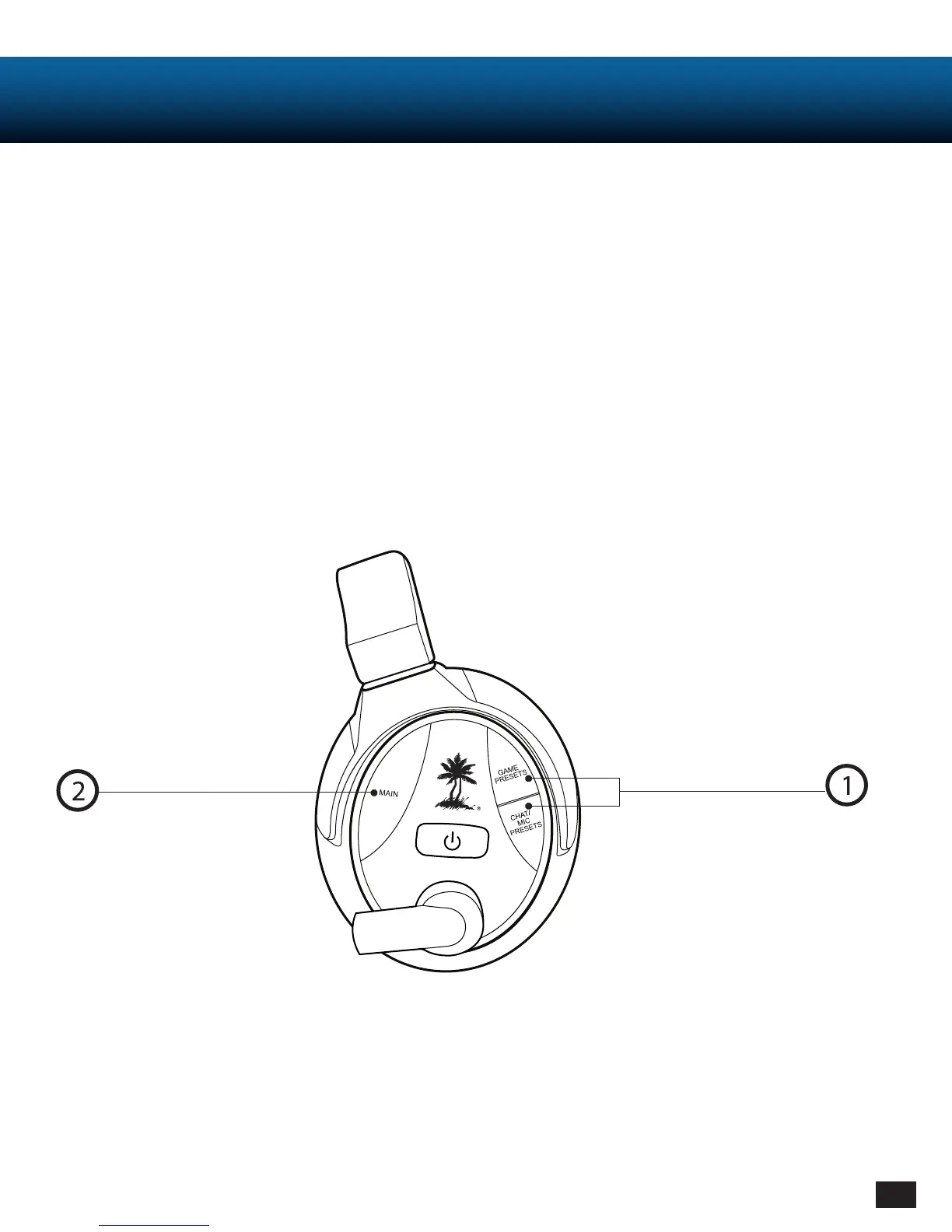
1. Tap the Game/Chat Preset buttons to cycle through your alternate (1-8) Game/Chat Presets.
2. Hold the Game Presets Button for 1 second to switch to your Main Game Preset.
3. Hold the Chat/Mic Presets Button for 1 second to switch to your Main Chat Preset.
4. Tap the Mode Button to switch to your Main Game and Chat Presets simultaneously.
5. Hold the Mode Button for 1 second to toggle between Game, Movie, and Music mode.
- Movie and Music mode: Use Turtle Beach customized tuning to enhance your listening experience.














 To Next Page