14
Go to Table of Contents
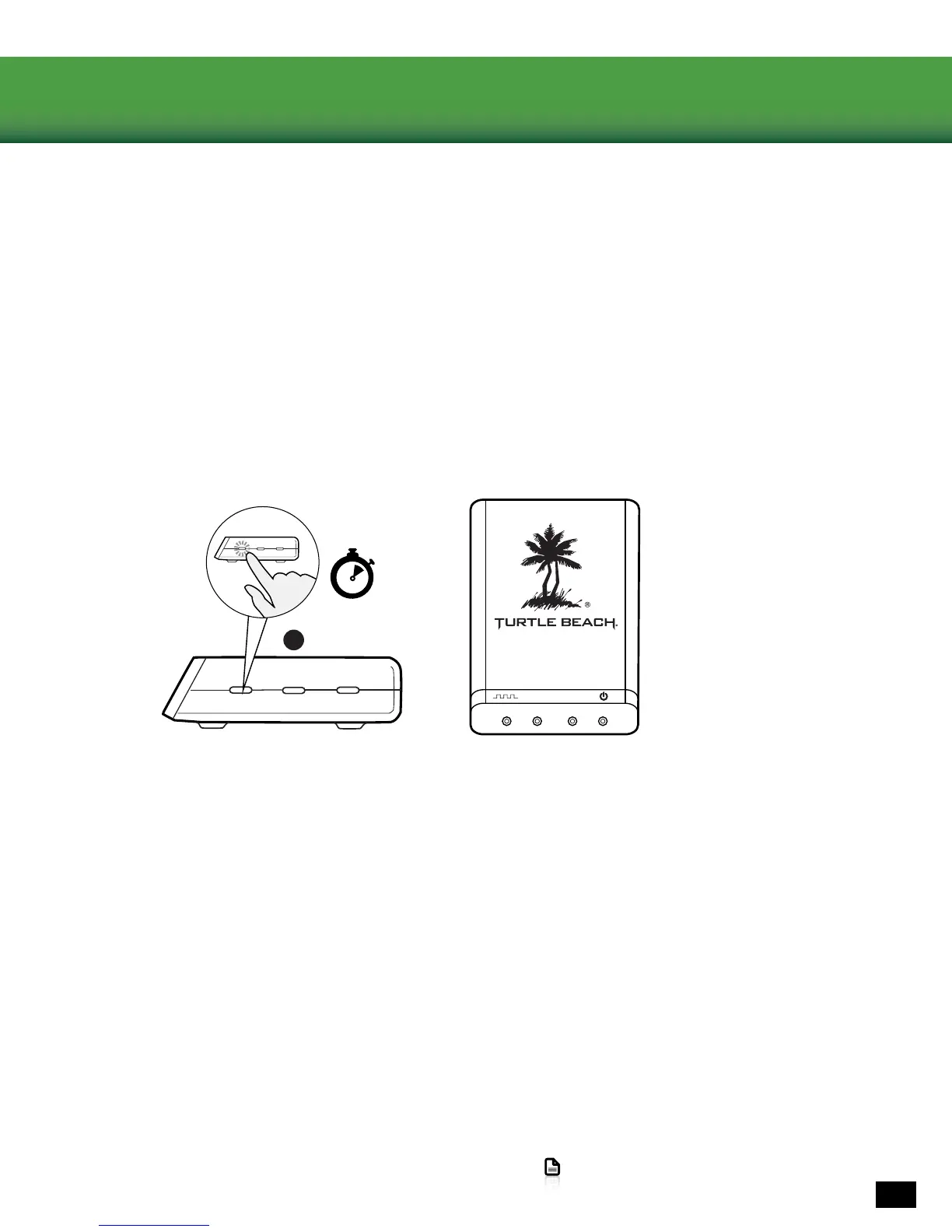
Pairing the Headset and Transmitter
The STEALTH 500X Wireless Transmitter sends audio and chat between your game console and your
Headset via interference-free wireless. When the Headset and transmitter are communicating, the
Pairing LED on the Wireless Transmitter will stay lit.
NOTE: Your STEALTH 500X Headset ships from the factory already paired with your Wireless
Transmitter. In normal operation, it should not be necessary for you to pair the two again. You
should only need to perform pairing yourself in the event that wireless communication fails. First
check that the Headset is powered on and is within range. If the Pairing LED on the Wireless
Transmitter is still pulsing, the Wireless Transmitter can’t communicate with the Headset. Perform
the following pairing procedure.
2.PressandholdthePairButtonontheWirelessTransmitteruntilthetransmitter’sPairingLEDashesrapidly.
3. Press and hold the Power Button on the Headset until the Headset Battery/Pairing Status LED in the Power Button
ashes.
4. Within 30 seconds, the Connection Status LED on the Transmitter will remain lit, while the Battery/Pairing Status
LEDontheHeadsetwillashoncepersecondtoconrmthatpairingwassuccessful.
1.TheHeadsetshouldbepoweredOFF.Ifit’son,pressandholdthePowerButtonontherightearcupforve
seconds.
PAIR
PRESET +
SURROUND +
B
5 seconds
PRESET
SURROUND















 To Next Page