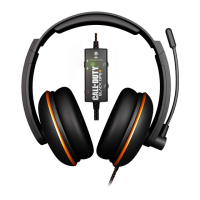
1. Connect your Kilo Headset to the RCA Splitter Cable.
2. Connect the RCA Splitter Cable to the A/V Red/White inputs on your TV.
3. Connect the PS3 Console A/V Cable to the RCA Splitter Cable: (Yellow for Video goes into TV)
4. Insert the Kilo USB Power Connector to an available USB port on the PS3 Console.
RCA Connection
7
Connecting to a PS3 (RCA)
*It is not necessary to connect to a TV unless you want to hear game audio through both the headset and the TV. If your TV only has a yellow (video) and
a white (audio) RCA input, connect the yellow and white RCA plugs to the TV and leave the red one hanging.
1
3
PS3 AV Cable
USB Power
2
RCA Splitter Cable
4













 To Next Page