4. Right-click on your already installed soundcard (typically labled as “Speakers”)
and select “Set as default device”, if it is not already set.
5. Right click on "Turtle Beach PX11 Headset" and Select
"Set as default Communication Device"
6. Click on the "recording tab'" then right click "Turtle Beach PX11
Headset" and select "set as default device”. When you speak into the
mic you should see green bars on the right move.
PC Set Up (continued)
12
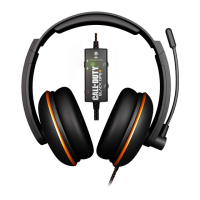
Connecting your Kilo Headset to a PC or Mac













 To Next Page