Custom EQ Presets available through the Turtle Beach Audio Hub mobile app.
MAPPABLE BUTTONS
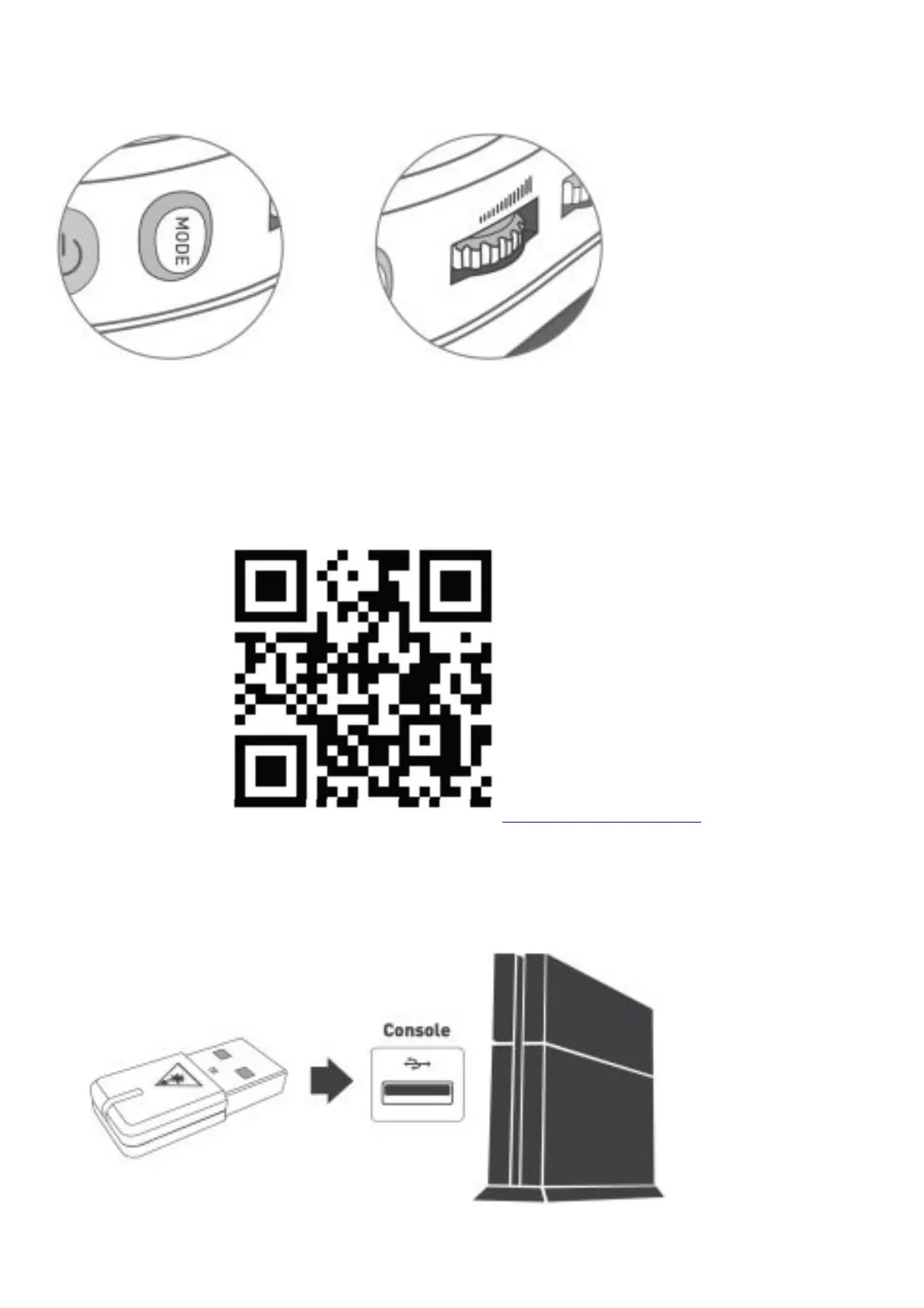
The MODE Button and Mappable Wheel can be assigned to a new function based on your gaming style. To change
the button’s assignment, follow these steps:
1. Download the Turtle Beach Audio Hub mobile app on your iOS or Android device
2. Enable Bluetooth® on your selected device, and pair with your headset to access the app.
3. Swipe to the second settings screen to assign new functions.
4. Once selected, your headset will save this configuration.
turtlebeach.com/audiohub
Scan this QR code for more information on how to customize your remappable buttons.
SETUP FOR PLAYSTATION®
1. Connect Mini Transmitter to USB Port
2. Power on Headset














 To Next Page