3. Go to Settings > Devices > Audio Devices
Select Stealth™ 700 Gen 2 for Input & Output Device
Set Output to Headphones to All Audio
Set Volume Control (headphones) level to maximum
Select Adjust Microphone Level and follow the on-screen instructions to calibrate your microphone
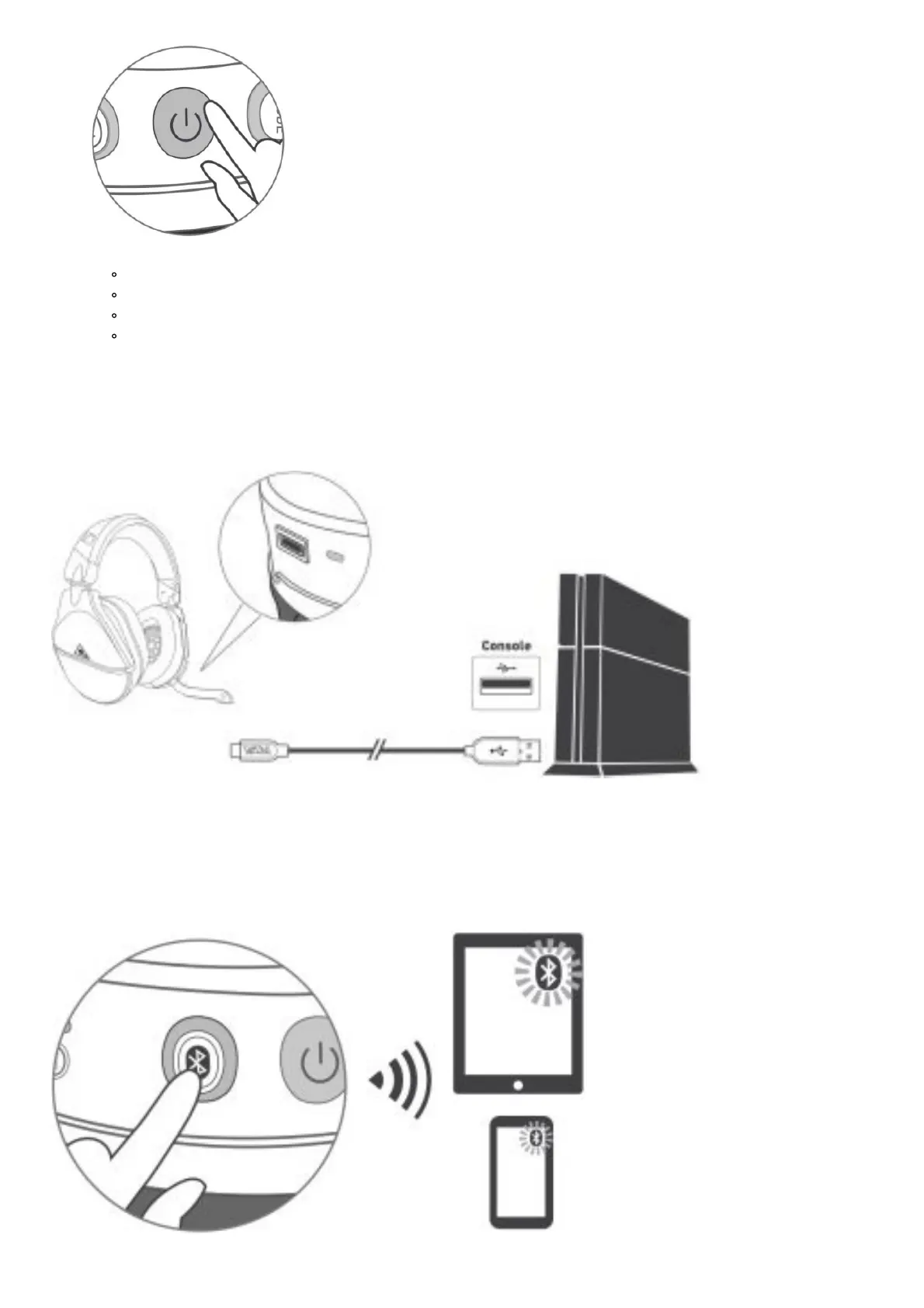
CHARGING
The Stealth™ 700 Gen 2 gives you 20 hours of rechargeable battery life. Make sure to charge it regularly before
storing.
Headset Storage
Always charge your headset before storing it for any extended period of time (greater than 3 months). Never store
the unit in temperatures above 113°F/45°C.
PAIRING














 To Next Page