BLUETOOTH® SETUP | CONFIGURATION BLUETOOTH®
Your Stealth™ 700 Gen 2 will enter Bluetooth® pairing mode once powered on. If no Bluetooth® connection is made
in two minutes, Bluetooth® pairing mode will stop. To put your headset into Bluetooth® pairing mode, follow these
steps:
1. Hold down Bluetooth® Button until “Bluetooth® Pairing” prompt plays
2. Connect to your headphones in your phone or tablet Bluetooth® Settings.
FUNCTION ACTION
Play/Pause Press Once
Skip Forward Press Twice Quickly
Fast Forward Press Twice Quickly and Hold
Skip Back Press Three Times Quickly
Rewind Press Three Times Quickly and Hold
Answer Call Press Once
End Call Press Once
Reject Incoming Call Press and Hold
Activate Voice Recognition (if available) Press and Hold
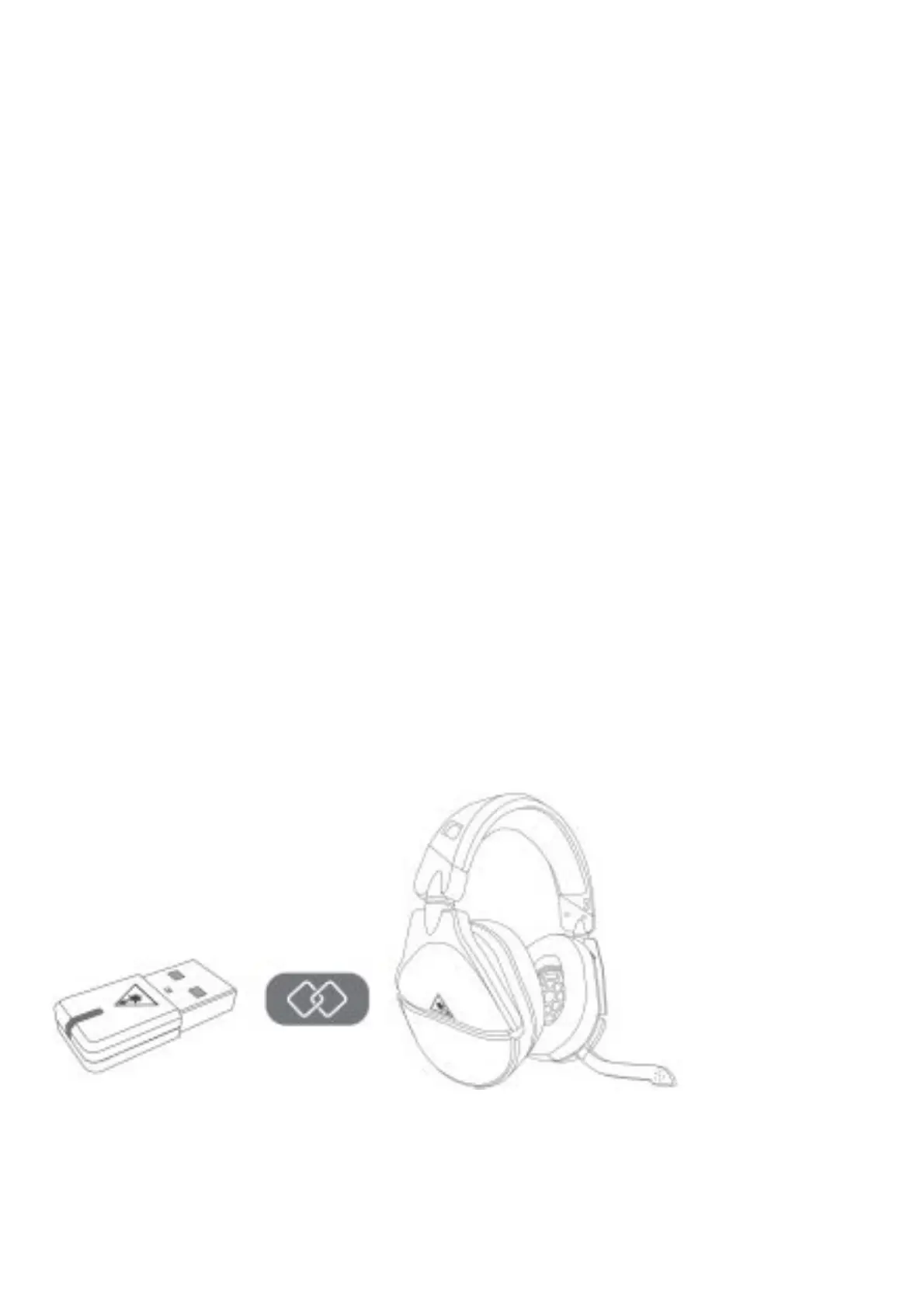
The headset and transmitter are paired out of the box, indicated by a solid LED on the transmitter. If your
transmitter’s LED is double-blinking, follow the steps to pair your headset and transmitter.
1. Connect your Stealth™ 700 Gen 2 for PlayStation® Transmitter into an available USB port on your
PlayStation® 4 console. Your Transmitter will begin to double blink blue as it searches for your Headset.
2. Power on your Stealth™ 700 Gen 2 for PlayStation® Headset and the LED will begin to double blink blue as it
searches for your Transmitter.














 To Next Page