Heading
20
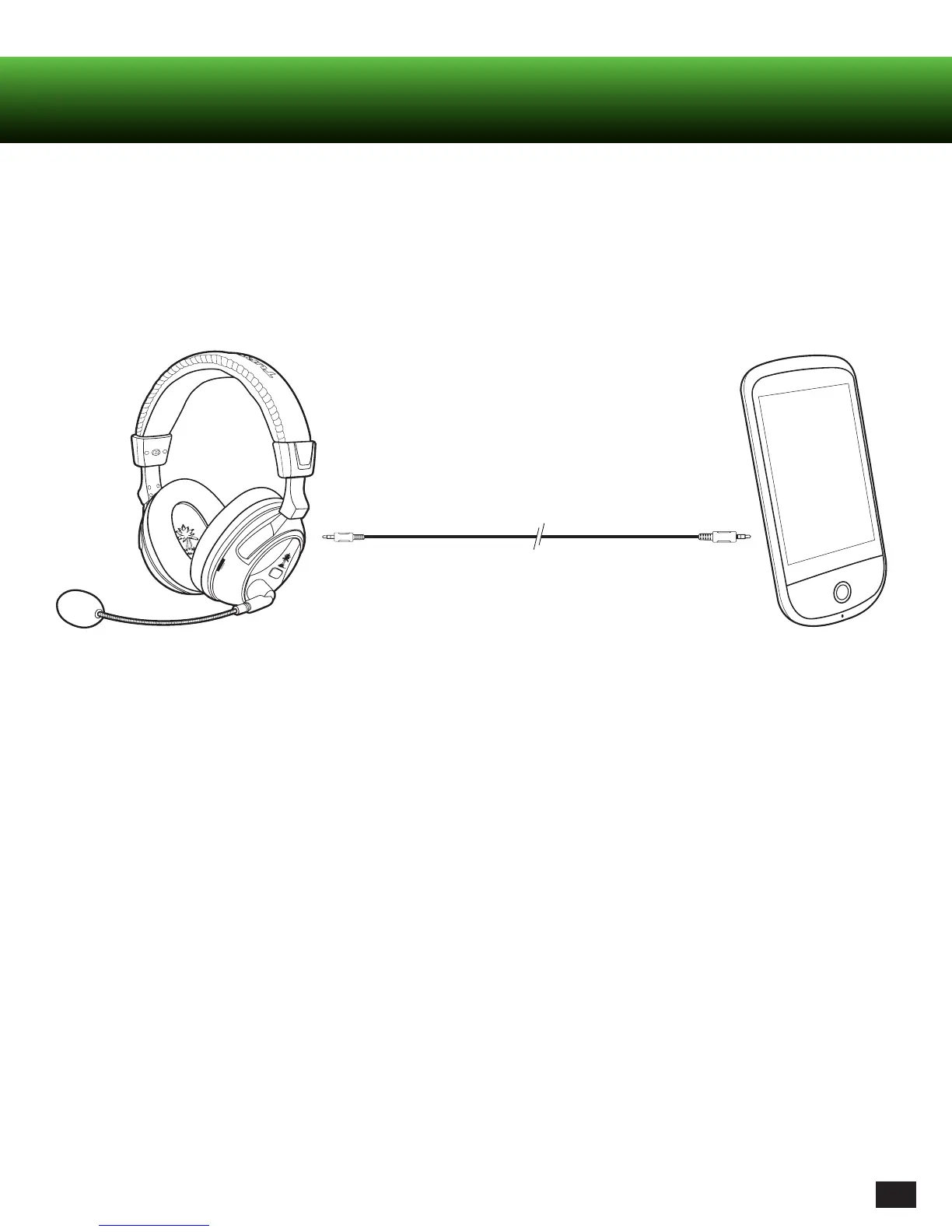
Mobile Device Cable
This cable allows you to listen to stereo audio using any standard headphone jack. Connect your headset’s Xbox 360 Input
Jack to the 3.5mm jack on your audio device (MP3 player, smart phone, tablet, or computer) using the Mobile Device Cable
This mode can be used when:
1. Your headset is turned on and not connected to your transmitter (Headset blinking twice per second)
2.Bluetooth is not in use
Note: When in this mode there is no Mic functionality. You can remove the Mic boom if you wish.














 To Next Page