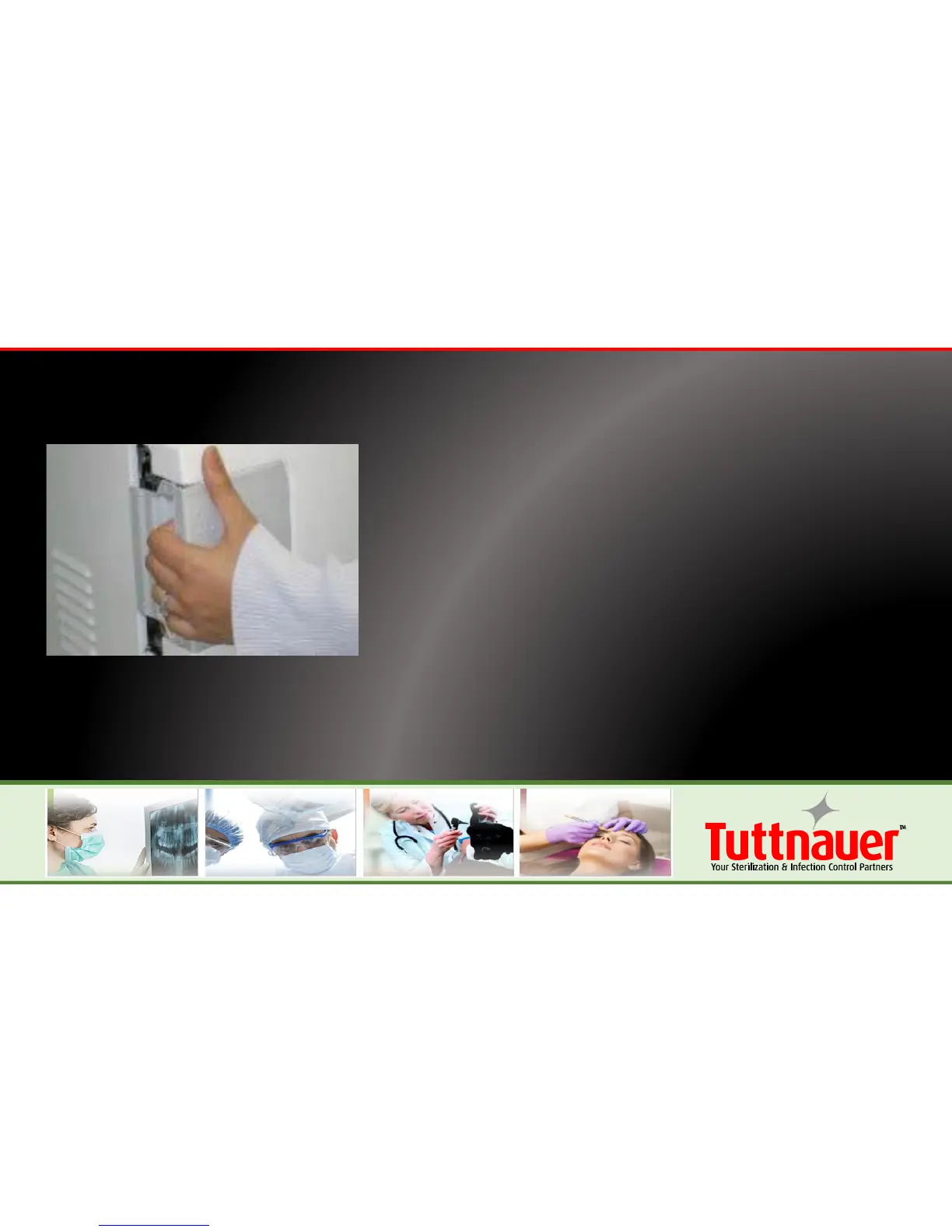
• Close the door by holding the handle in the
open position while pushing the door until it
comes to the closed position, then releasing
the handle.
• The “Door Open” symbol will be replaced
with “System Ready” on the screen once the
door is closed.
• Should the Door Open symbol remain on the
screen, gently pressing on the door will
engage the lock and secure the door.







 To Next Page