- 8 -
1.1. Family Member
- Validity: Once added, the permission of the family member is permanent until the
administrator removes the member. Family member will be able to control and use all
devices in the family.
- Unlock method: The administrator can set permissions of unlock method for family
member via Bluetooth near the lock; If the administrator closes all unlock permissions,
family member can no longer add his own unlock method.
1.2. Other Member
- Validity: Administrator can set the valid period of permission for other members.
Valid period can be set to be permanent or timed.
- Unlock method: The administrator can set permissions of unlock method for Other
member via Bluetooth near the lock; If the administrator closes all unlock permissions,
family member can no longer add any unlock method.
2.Settings
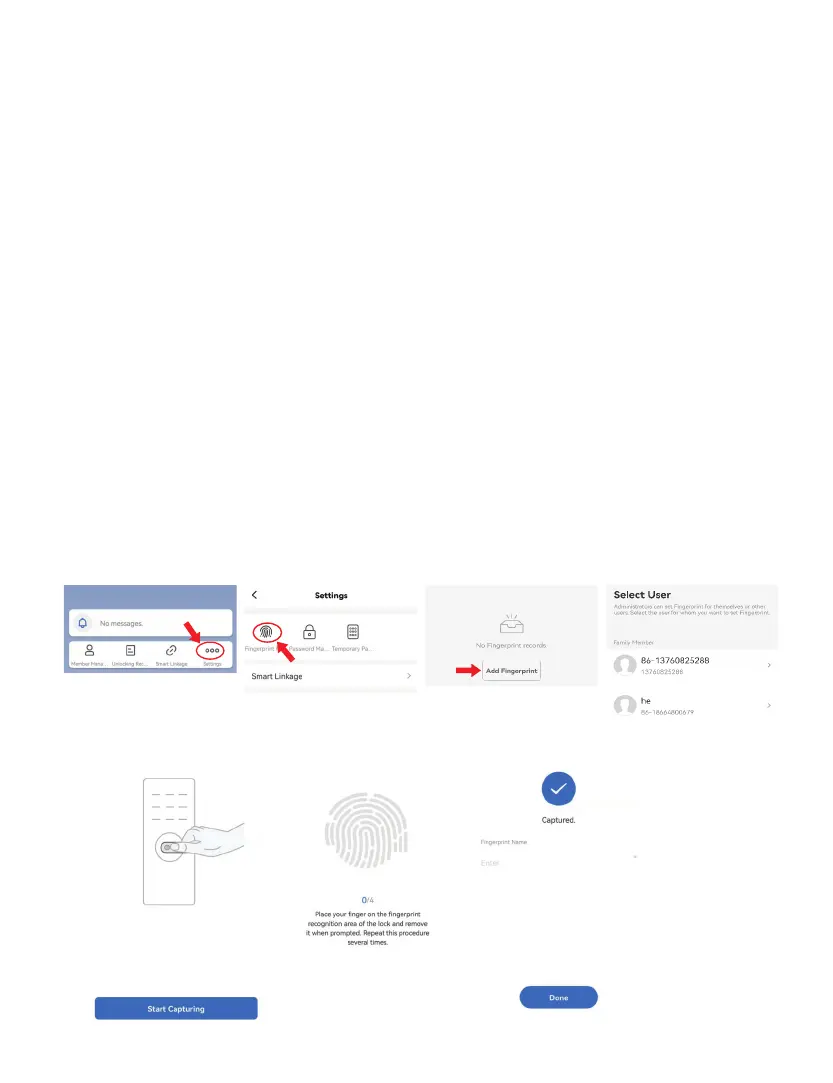
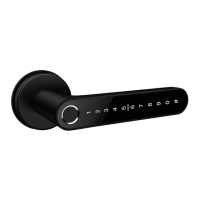
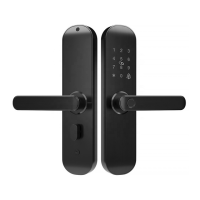
You can set fingerprint / password / temporary password for unlocking on App.
2.1. Fingerprint
You can set your own fingerprint, or set fingerprint for member users by following steps:
Fingerprint Management - Add Fingerprint - Select User – Start Capturing – Place your finger on
recognition area of lock (need to repeat several times) –Name it & click Done



 To Next Page