15
Program Information
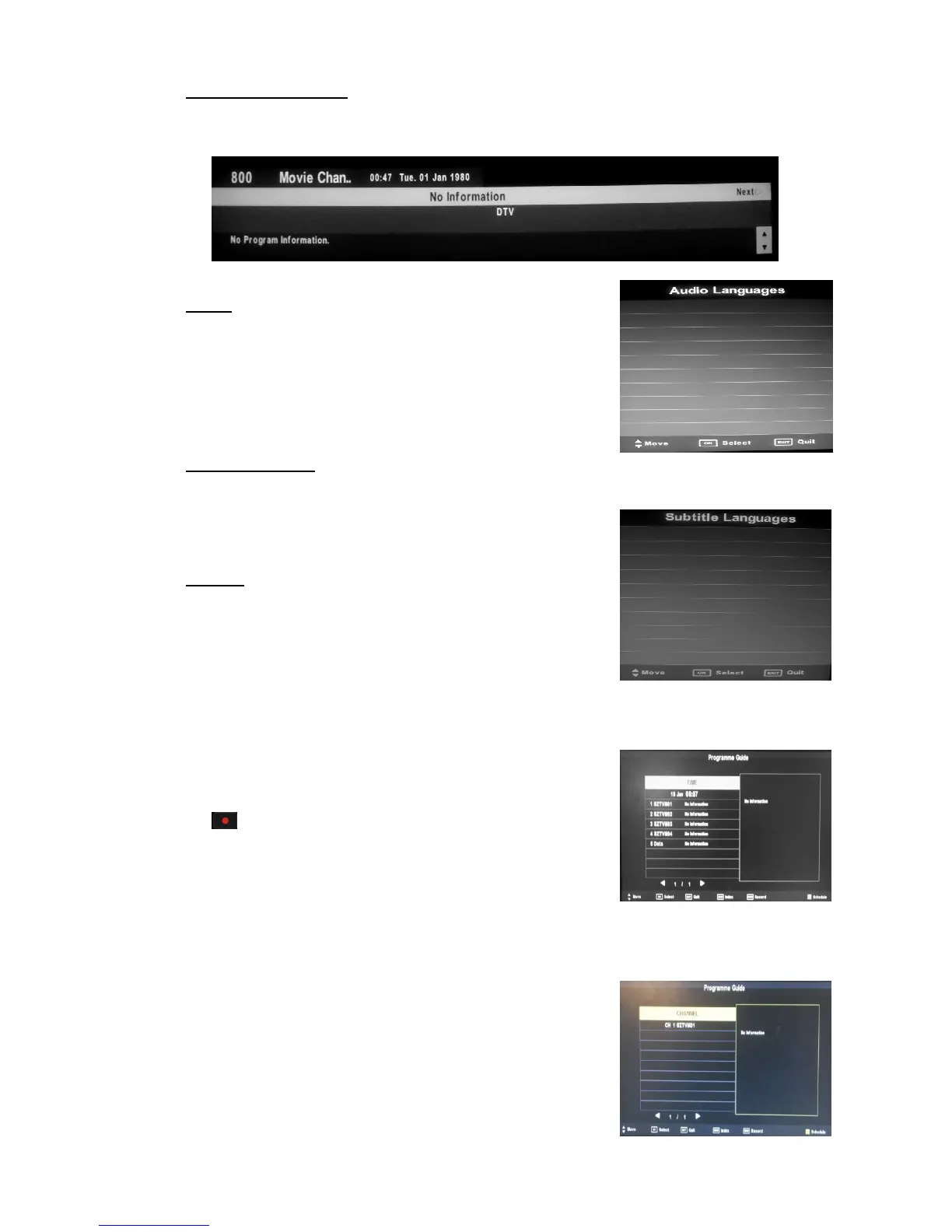
When the source is selected as DTV, you can press “DISPLAY” button to display the
channel’s information. The PROGRAM INFORMATION window is illustrated as follows
Audio
When the source is selected as DTV, users can enter
“Audio Language” by pressing “AUDIO” button. The
“audio language” window is illustrated as follows
Press “/” button to select the “audio language” menu .
TV/Radio Switch
“TV/RADIO” button is used to switch between DTV
programs and Digital Radio broadcasts.
Subtitle
When the source is selected as DTV, users can view
subtitles (broadcast dependent) by pressing “SUBTITLE”
button.
EPG (Electronic Program Guide)
When the source is selected as DTV, users can view EPG by pressing “EPG” button
1. Press the “/” button to select “TIME” and Press
the “/” button to select the program, You can press
button to enter record mode
OK: switch to current selected programme
EXIT: exit EPG
Index: switch to type option.
Record: record programme. It show record mode when selected(check PVR
manual details)
Remind: reminder setting.Choose Remind to show the following settings menu. Use
up and down to choose setted programme.
Schedule: record information(Check details at PVR’s
Schedule List introduction)
2. Press the “/” button to select “CHANNEL” press
enter to enter see the current channel’s program forecast.
Note: The U disk will be formatted when in burning,



 To Next Page