17
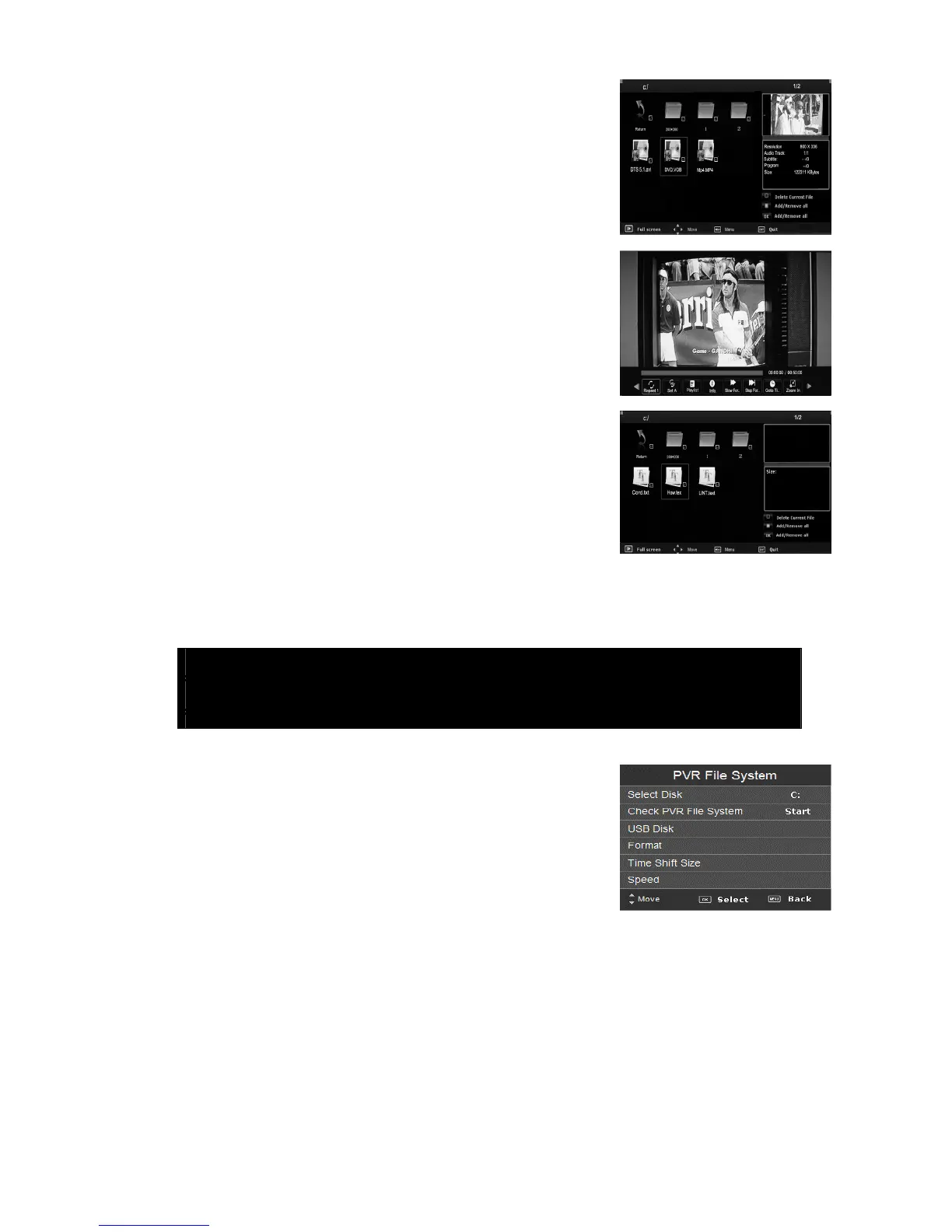
3. Press the “/”button to play the “MOVIE” option,
and press “ENTER” button to enter.
3.1 Press the “/” button to select drive disk you want
to watch, and press “ENTER” button to enter.
3.2 Press the “/” button to select the file you want to
watch in the file selecting menu, then press “ENTER”
button to play.
4. Press the “/”button to enter “TEXT” option, and
press “ENTER” button to enter.
4.1 Press the “/” button to select drive disk you want
to watch, and press “ENTER” button to enter.
4.2 Press the “/” button to select the file you want to
watch in the file selecting menu, then press “ENTER”
button to play.
5. Press the “/”button to select the file and press the
“ENTER” button to enter the file. Then press the “RED”
button to delete the file.
Note: The pics about function are provided for reference only which will be in
accordance with exact circumstances.
PVR Operation ( Optional )
1. In DTV source, press the “MENU” button to enter the
OSD menu. Then press “/” button to select the
“CHANNEL” menu .
2. Press “/” button to select “PVR File System” and
press the “ENTER” button to enter.
a) Press “/” button to select “Select Disk” and press the “ENTER” button to choice
disk.
b) Press “/” button to select “Check PVR File System” and press the “ENTER” button
to check PVR file system.
c) Press “/” button to select “Format” and press the “ENTER” button to format disk.
d) Press “
/” button to select “Free Record Limit” and press the “ENTER” button to free
record limit.



 To Next Page