Main unit description
Control Panel Button Function
TV Terminal Connections
1. USB input terminal.
2. HDMI input terminal.
3. VGA input terminal.
4. PC AUDIO input terminal.
5. SCART input terminal.
6. HEADPHONE output terminal.
7. Component input terminal .
8. Video input terminal.
9. AUDIO input terminal.
10 TV antenna
11 CI slot
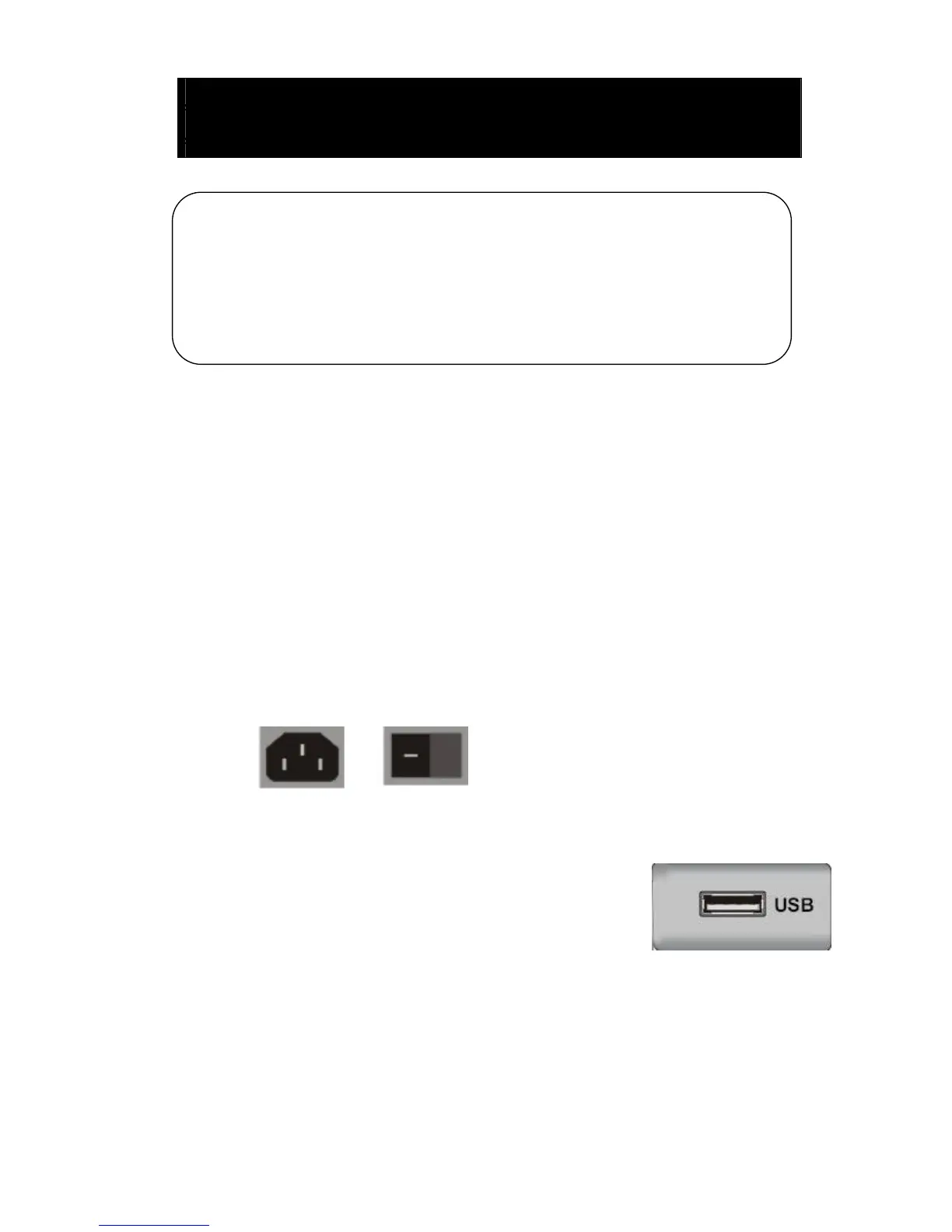
Power Input Configuration
AC POWER
Optional Configuration as below:
Connect the USB to the USB jack on the set.
NOTE
● It is only 500 mA MAX of DC current output when you
connect with USB jack
● To ensure the Mobile HD works well, you should use other power supply for the Mobile
HD. And do not use the USB jack in the same time.
● It supports Mobile HD by connecting with USB jack (must more than 2 GB). The
partitions of the Mobile HD can’t be more than 4 partitions. The max partition is 2TB. It
supports FAT/FAT32 document. The max FAT document is 4GB and the max FAT32
document is 2TB.
VOL+ : Volume up.
VOL- : Volume down.
CH+: TV channel up.
CH- : TV channel down.
MENU : Press to select the main menu.
TV/AV : Select the input signal.
POWER : Turn the TV on or off.



 To Next Page