16
please do not store important files in the U disk.
USB Features
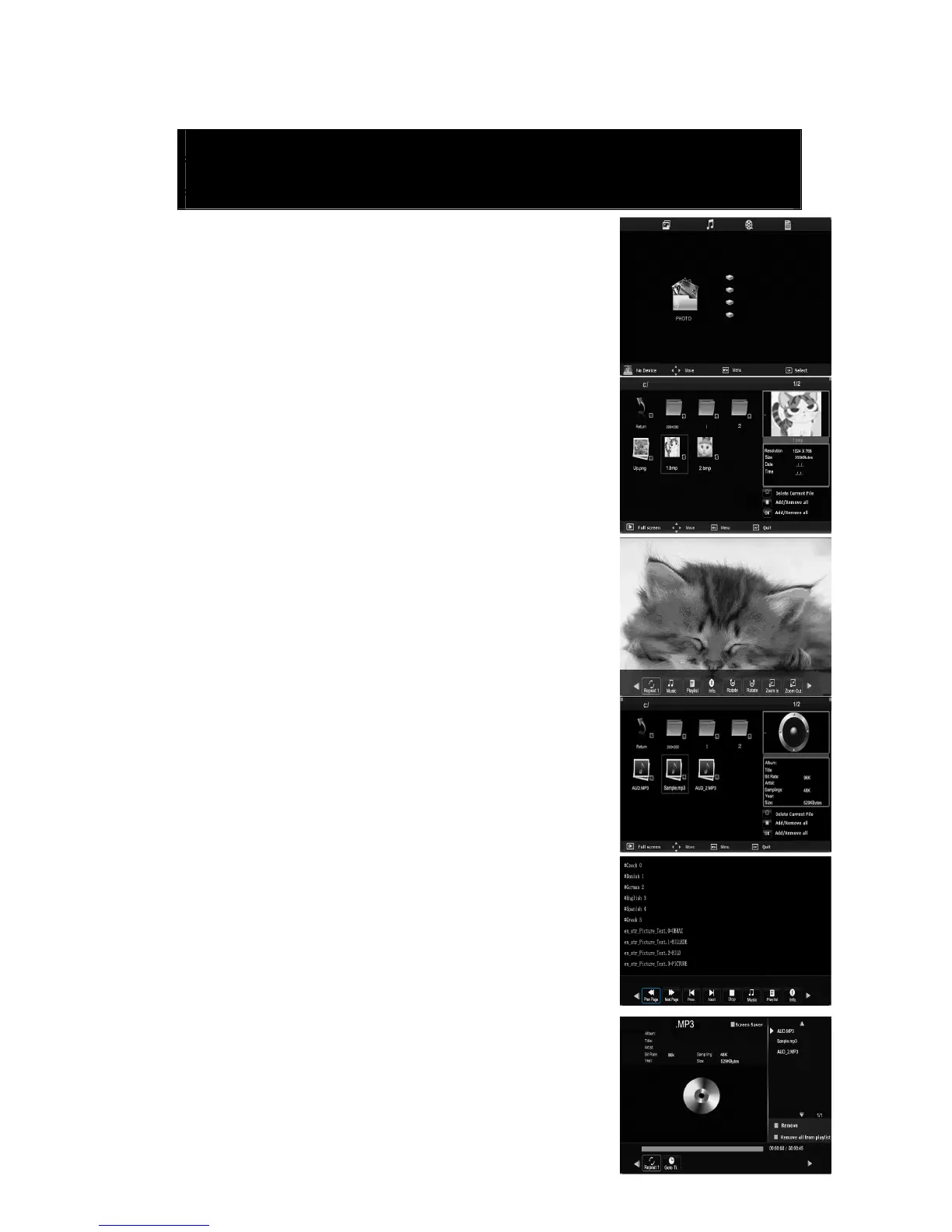
Press the “SOURCE” button to enter the “MEDIA” menu.
1. Press the “/” button enter the “PHOTO” option, and
press “ENTER” button to enter.
1.1 Press the “/” button to select drive disk you want
to watch, and press “ENTER” button to enter.
1.2 Press the “/” button to select return option to
back to the previous menu.
1.3 Press the “/” button to select the file you want to
watch in the file selecting menu, then press “ENTER”
button to display picture.
2. Press the “/” button to enter the “MUSIC” option,
and press “ENTER” button to enter.
2.1 Press the “/” button to select drive disk you want
to watch, and press “ENTER” button to enter.
2.2 Press the “/” button to select the file you want to
watch in the file selecting menu, then press “ENTER”
button to play.
2.3 Press the “/”button to select menu in the bottom
you want to run, and then press “ENTER” button to operate
2.4 Press the “
▼” button to hide the menu in the bottom.



 To Next Page