5. LOADING THE PAPER
✦✦
✦✦
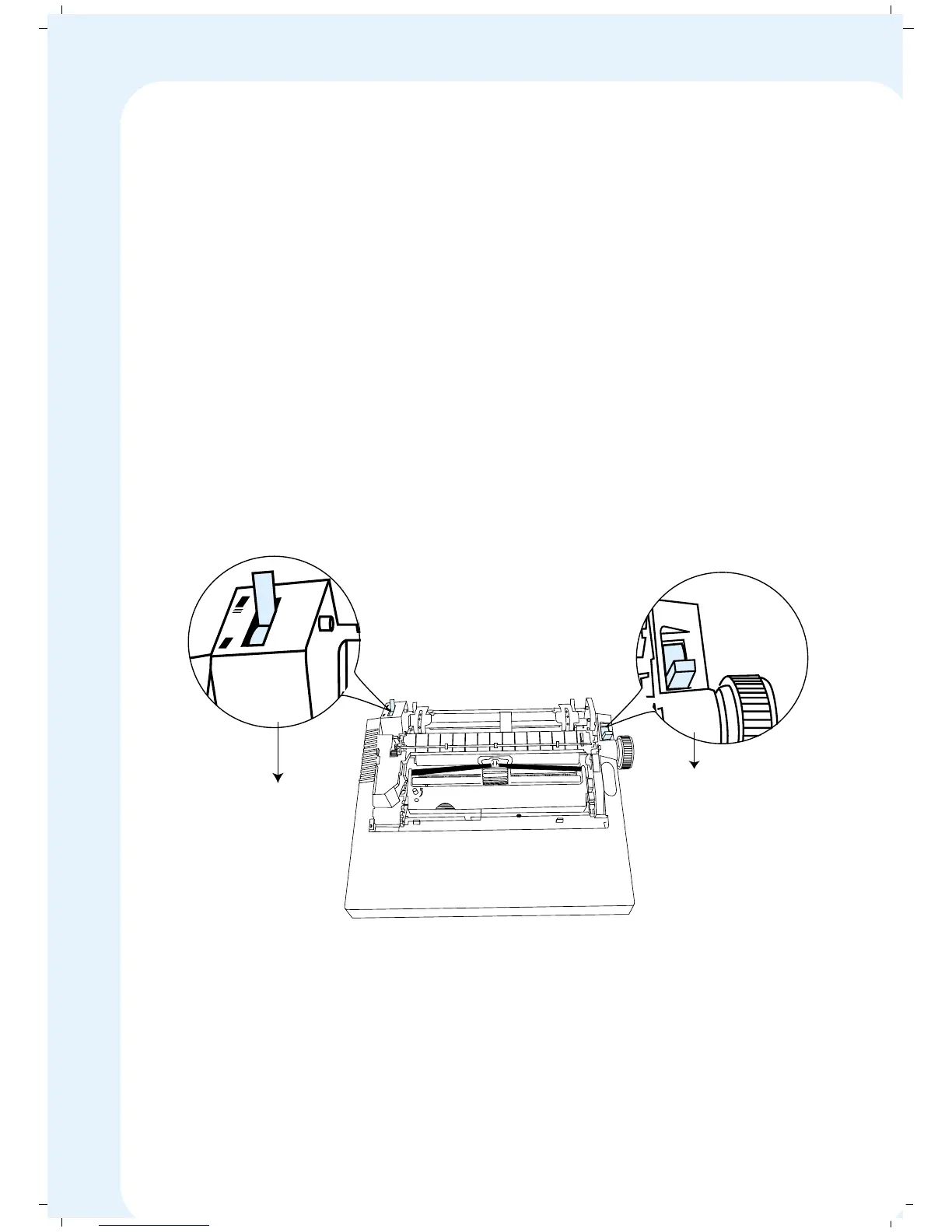
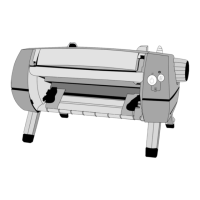
✦ Setting the Paper Select Lever and the Tractor Select Lever
You can either use single sheet stationery or continuous stationery with your
MSP 450 Champion. You can select the type of stationery you use, by setting
the Paper Select Lever and the Tractor Select Lever.
The paper select lever is located on the right side of your printer. The paper
select lever can be set either in PIN position or FRIC (friction) position.
Set the Paper Select Lever in PIN position if you are using Continuous
Stationery.
Set the Paper Select Lever in FRIC (friction) position if you are using Cut
Sheets / Single Sheets.
The Tractor Select Lever is located on the left side frame of the Tractor. A
drawing of paper stack and single sheet are embossed. This indicates the
position of the lever to be set.
Tip: With proper setting of Paper Select Lever and Tractor Select Lever makes
them to face the same direction at all times.
P
I
N
F
R
I
C
Paper Select Lever
Tractor Select Lever
32


 To Next Page