✦✦
✦✦
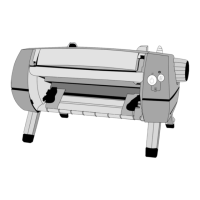
✦ Installing the Tractor in the Push Position
Your printer comes from the factory with the push position as the default
position for Tractor Mechanism.
When the tractor is in the push position, paper first passes through the tractor
that “pushes” the paper around the platen and through the printer.
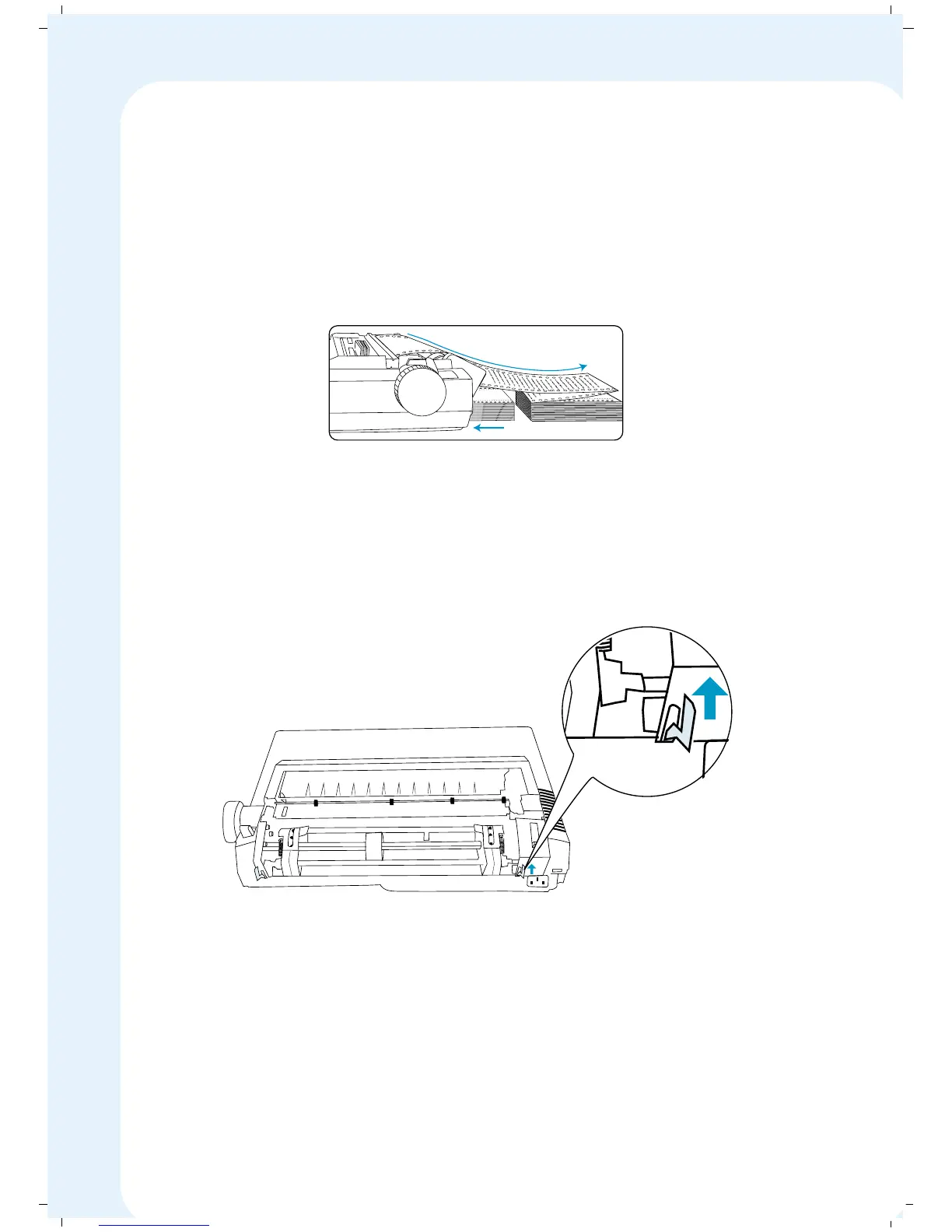
To install the tractor feed mechanism in Push Position
1. Switch the printer power OFF.
2. Push in two release levers at back of the tractor mechanism (each
end), and place the mounting feet into the slots on the rear of printer.
3. Secure the tractor unit and let go off the release levers; the tractor will
lock into place.
4. Slide the paper supports on the tractor bars and space them evenly
between the adjustable tractors
5. Now you can turn the paper feed knob to make sure the gears are
turning properly.
a
b
c
d
efg
h
u
j
i
k
l
m
n
op
q
r
st
u
v
w
x
y
a
b
c
d
efg
hu
j
ik
l
m
n
opq
rstu vw
x
y
a
b
cdef
g
h
u
j
i
k
l
m
n
opqr
st
u
vw
x
y
a
b
c
d
ef
g
hu j
i
kl
mn
o
pqr
s
t
u
a
b
c
d
efgh
u
j
i
k
l
m
n
o
pq
r
s
t
u
a
b
c
d
e
f
g
h
uji
k
l
m
n
o
p
q
r
s
a
b
c
d
e
fghujik
l
m
n
a
bc
d
e
f
g
h
u
a
b
36


 To Next Page