✦✦
✦✦
✦ Loading single sheet (A4)
Using MSP 450 Champion you can print on Letter Heads and other types of
stationeries that are not available in continuous format. Your printer has the
automatic paper loading feature to load single sheets.
1. Ensure Paper Insertion Guide is installed properly.
2. Switch your printer power ON.
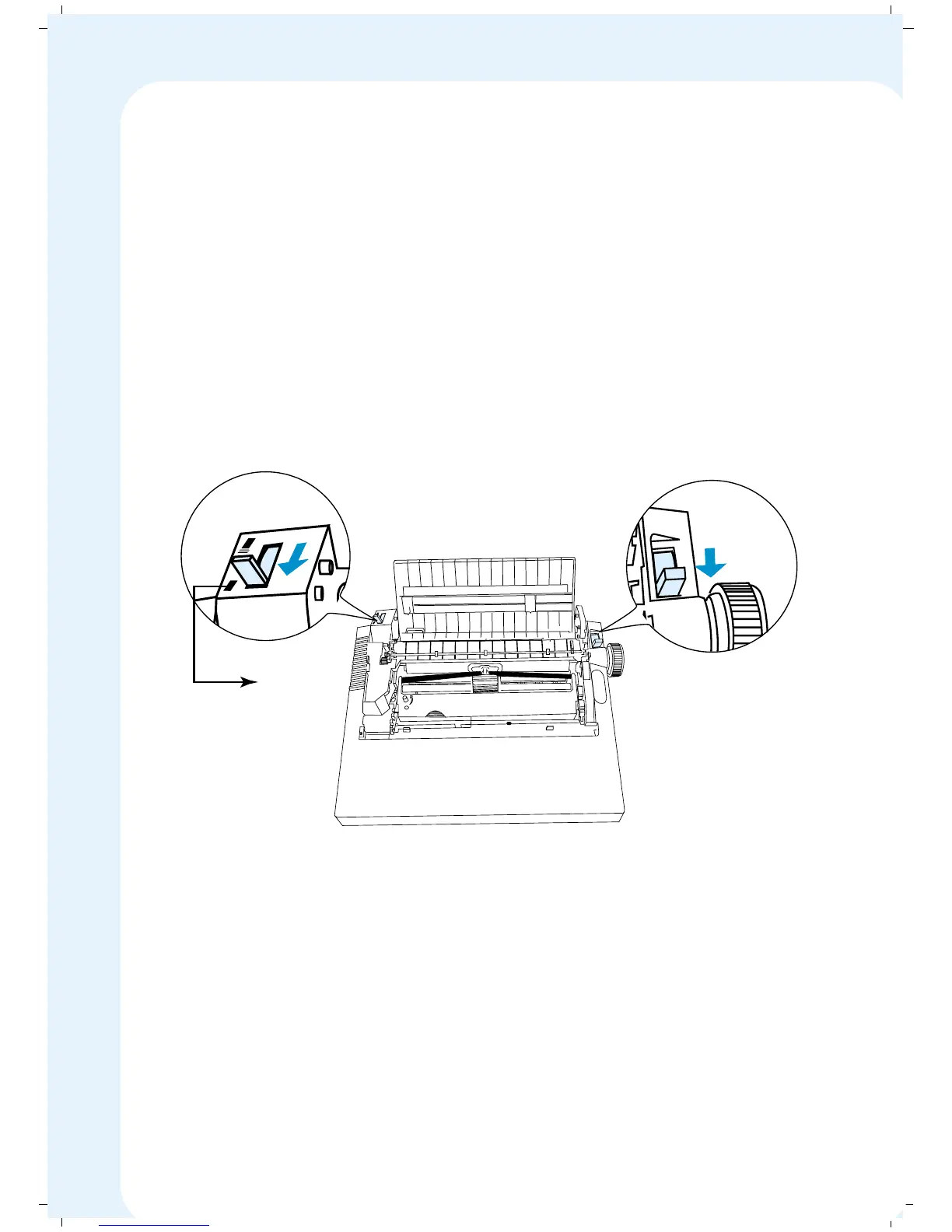
3. Set the Paper Select Lever in FRIC position.
4. Set the Tractor Select Lever in Cut Sheet position.
P
I
N
F
R
I
C
Cutsheet
Position
39


 To Next Page