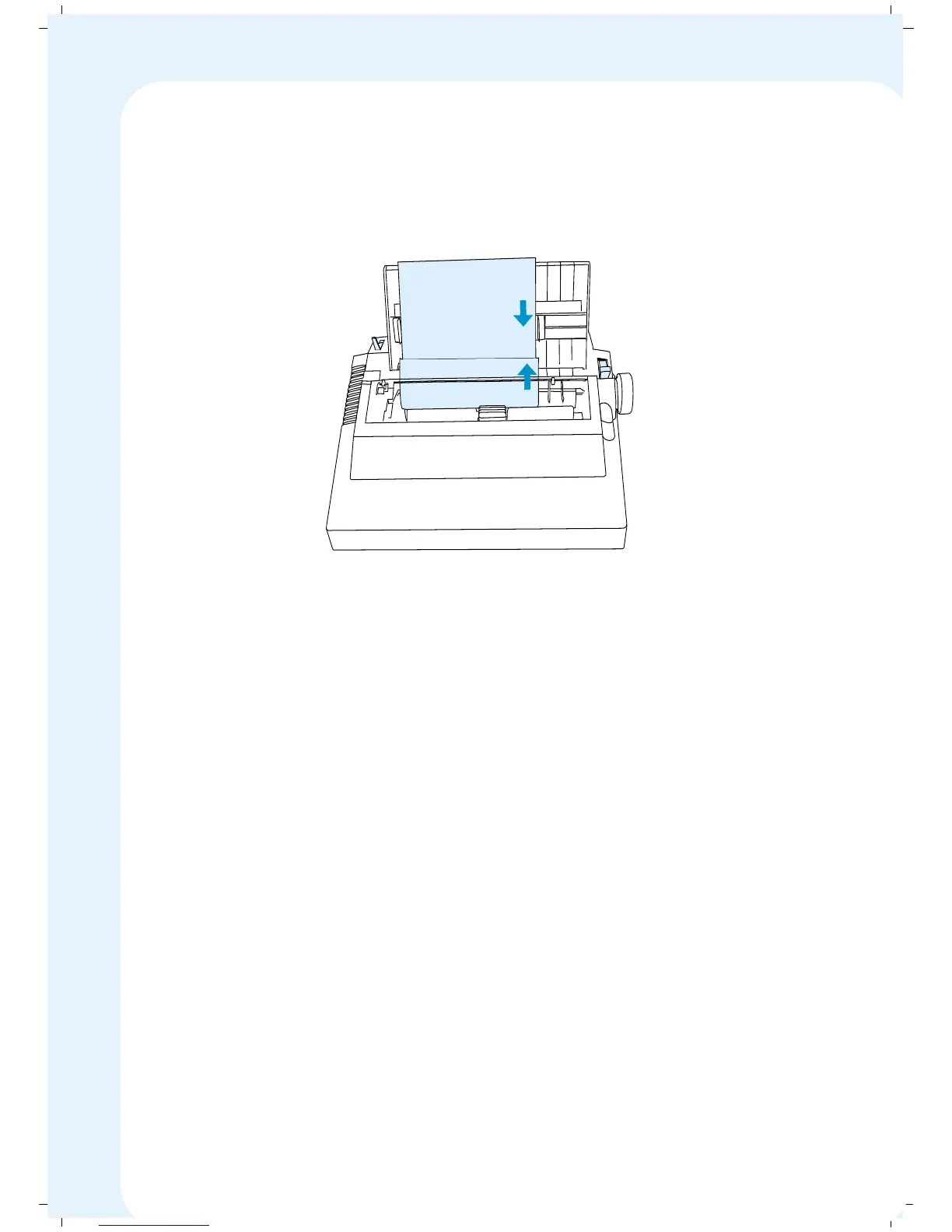
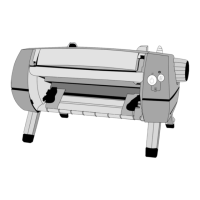
5. Move the left paper guide on the Paper Insertion Guide to the initial
printing position. Insert the single sheet and adjust the right paper guide
to the paper width.
6. Slide the cut sheet behind the platen through the paper guides. The paper
should be inserted about 1 inch.
7. After about one second, the paper will automatically advance around the
platen and position itself in front of the print head. The Print head will
also centre itself.
8. If necessary, make any adjustments for paper alignment with the paper
select lever in the PIN position, and then return it to the FRIC position.
Note: When using narrow paper, position the paper as far left as possible
in order to activate the printer’s paper sensor. You can tell that the sensor
is activated when the control panel’s ONLINE indicator LED stops flashing.
If the LED does not stop flashing when you insert paper, reposition the
paper. You will not be able to put the printer ONLINE to print unless the
paper sensor is activated and the ONLINE light stops flashing.
A4 Cut Sheet
40


 To Next Page