http://www.tyan.com
94
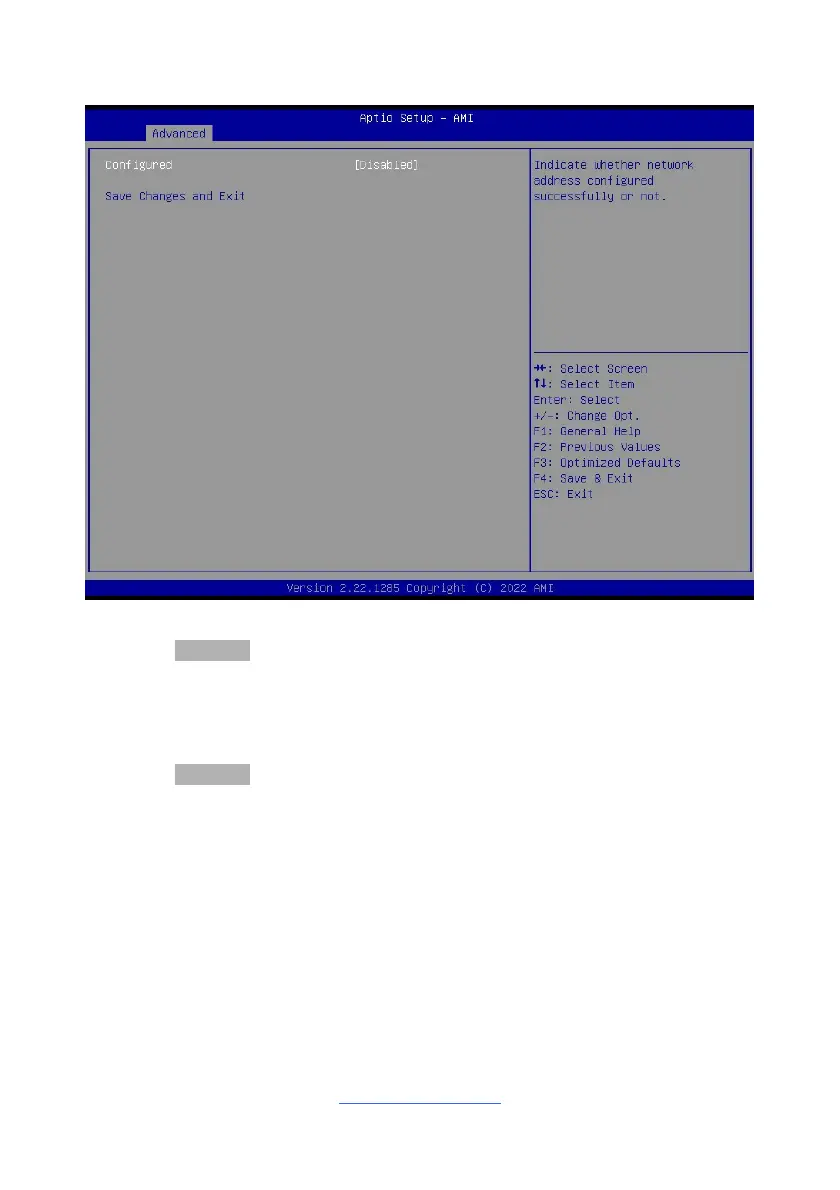
3.3.18 MAC: 8ACE8EEDBEF9-IPv4 Network Menu
Configured
Indicate whether network address configured successfully or not.
Disabled / Enabled
NOTE: When Configured was set to Enabled, the following items will be available
to set up.
Enable DHCP
Indicate whether network address configured successfully or not.
Disabled / Enabled
Local IP Address
Enter IP address in dotted-decimal notation. Example: 162.168.10.12
Local NetMask
Enter Netmask in dotted-decimal notation. Example:255.255.255.0
Local Gateway
Enter Gateway in dotted-decimal notation. Example:192.168.10.1
Local DNS Servers
Enter DNS Servers in dotted-decimal notation. Example:192.168.10.8
192.168.10.9



 To Next Page