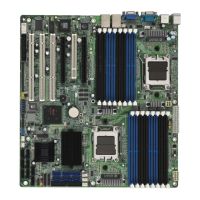
S1832DL Tiger 100
71
SYSTEM
Troubleshooting System Problems
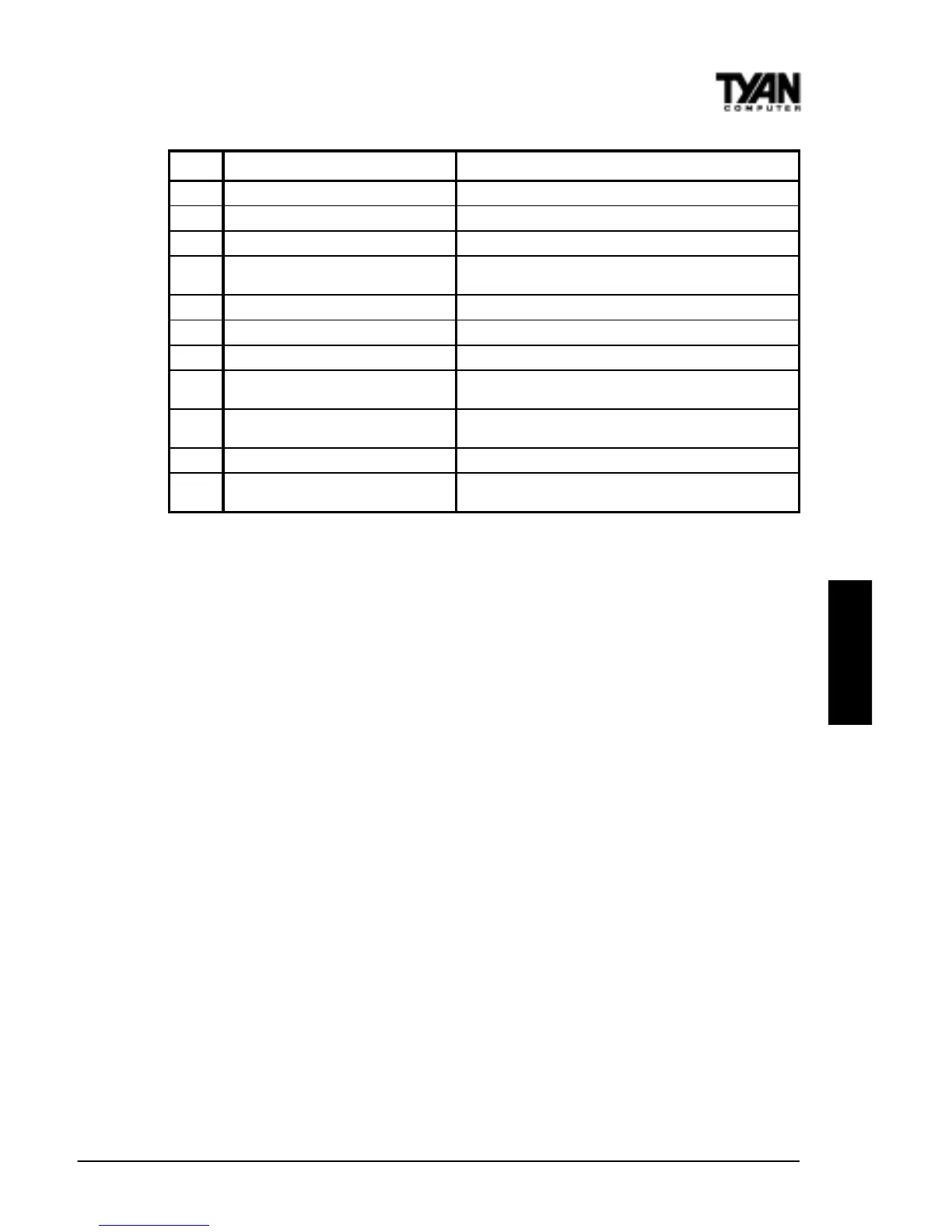
If the computer beeps... then...
1, 2, or 3 times... reseat the memory SIMMs or DIPs.
If the system still beeps, replace the
memory.
6 times... reseat the keyboard controller chip. If
it still beeps, replace the keyboard
controller. If it still beeps, try a
different keyboard, or replace the
keyboard fuse, if there is one.
8 times... there is a memory error on the video
adapter. Replace the video adapter, or
the RAM on the video adapter.
9 times... the BIOS ROM chip is bad. The
system probably needs a new BIOS
ROM chip.
11 times... reseat the cache memory on the
motherboard. If it still beeps, replace
the cache memory.
4, 5, 7, or 10 times... for 5 or 7 beeps, first test with a new CPU - if that
does not solve the problem, then motherboard must
be replaced.
speeBegasseMrorrEnoitpircseD
1eruliaFhserfeR .ytluafsiyrtiucrichserferyromemehT
2rorrEytiraP .yromemfo)kcolbBK46tsrifeht(yromemesabehtnirorreytiraP
3eruliaFyromeMBK46esaB.BK46tsrifnieruliafyromeM
4lanoitarepOtoNremiT
tonsi1remiTro,yromemfoBK46tsrifehtnieruliafyromemA
.gninoitcnuf
5rorrErossecorP.rorrenadetarenegUPCehT
6eruliaF02AetaG-2408 .edomdetcetorpothctiwstonnaC
7rorrEtpurretnInoitpecxErossecorP .tpurretninoitpecxenadetarenegdraCUPCehtnoUPCehT
8rorrEetirW/daeRyromeMyalpsiD
sisihT.ytluafsiyromemstirognissimrehtiesiretpadaoedivmetsysehT
.rorrelatafaton
9rorrEmuskcehCMOR
nidedocneeulavehthctamtonseodeulavmuskcehcMORehT
.SOIBIMA
01rorrEetirW/daeRretsigeRnwodtuhSSOMC .deliafsahMARSOMCrofretsigernwodtuhsehT
11ehcaCelbanEtoNoD—daByromeMehcaC
sserptonoD.delbasidsiyromemehcaC.deliaftsetyromemehcacehT
.yromemehcacelbaneot>+<>tfihS<>tlA<>lrtC<



 To Next Page