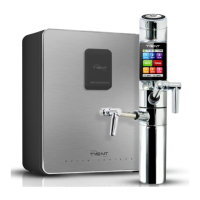
under co u n ter extreme
SYSTEM
SETUP
METHO
D
Uni
t
usage
SYSTEM SETUP METHOD
1
◀
▶
I
2
◀
▶
I
3
◀
▶
I
14:39
15:00
11:00a
80% 80%
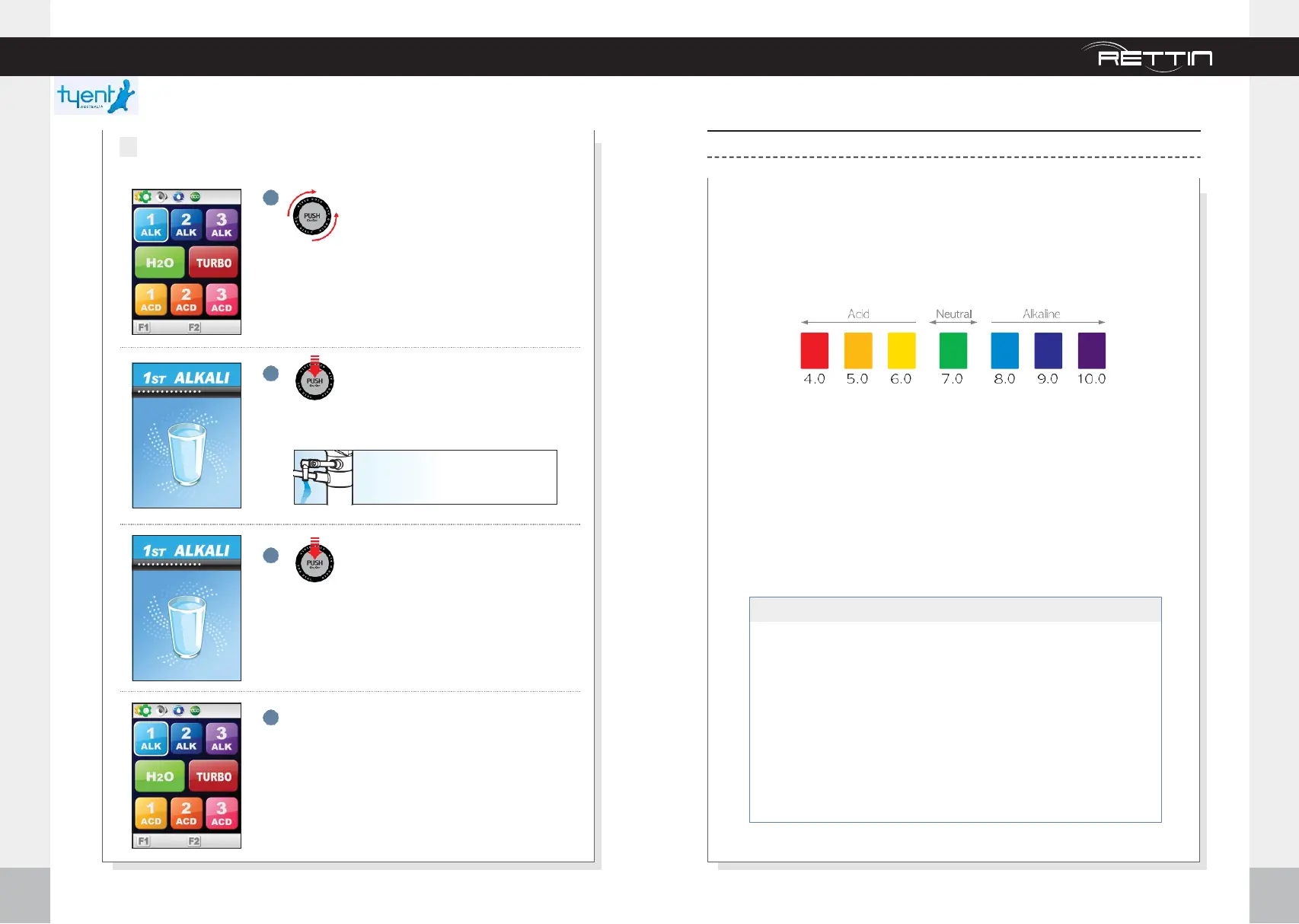
Turn Dial either direction to select
function,
white means it’s selected.
Screen changes to selected color.
Push center of Dial to start water
outflow.
Push center of Dial to stop water
outflow.
4
When done, screen moves to last used icon
and, into stand by mode.
2
When using t h e JOG DIAL
11:00a
80% 80%
The water level you choose willflow
through water outletpipe(upper).
p
H Level Adjustment
pH Chart
Just remember when testing the pH be sure to allow unit to run for 2
minutes before taking a sample of the water. If you have to adjust
percentage, after adjusting, run an additional 2 minutes before taking
sample. When testing pH values we like to use 2Tablespoons of the water
being produced and 4 Drops of the Re-Agent in a clear glass.
The minimum and maximum Turbo waters produce will be dependent on
the water source quality. Set Turbo at 100% for maximum pH levels, these
levels can range normallyas follows:
Color of PH Testing of Each Level :
Alkaline Turbo (Dark Purple)
Acid Turbo (Red)
Alkaline Level 1 = Approx 8.0 pH (light blue)
Alkaline Level 2 = Approx 9.0 pH (dark blue)
Alkaline Level 3 = Approx 10.0 pH (Purple) H2O =
Approx 7.0 pH (green) Purified Water Acid Level 1
= Approx 5.5 pH (light yellow) Acid Level 2 =
Approx 4.5 pH (light orange) Acid Level 3 =
Approx 3.5 pH (light pink)
※pH valueindicated foreach levelis based on standardizedtestresultwhichhave used average tapwater.
32
33



 To Next Page