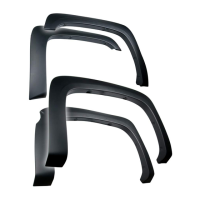
TYGER LanderX
Driver/Left side Installation Pictured
5/5
Level and adjust the TYGER LanderX and tighten all hardware.
STEP 7
Repeat STEPS 1-7 for Passenger/Right TYGER LanderX
installation.
STEP 8
Do periodic inspections to the installation to make sure that all
hardware is secure and tight.
STEP 9
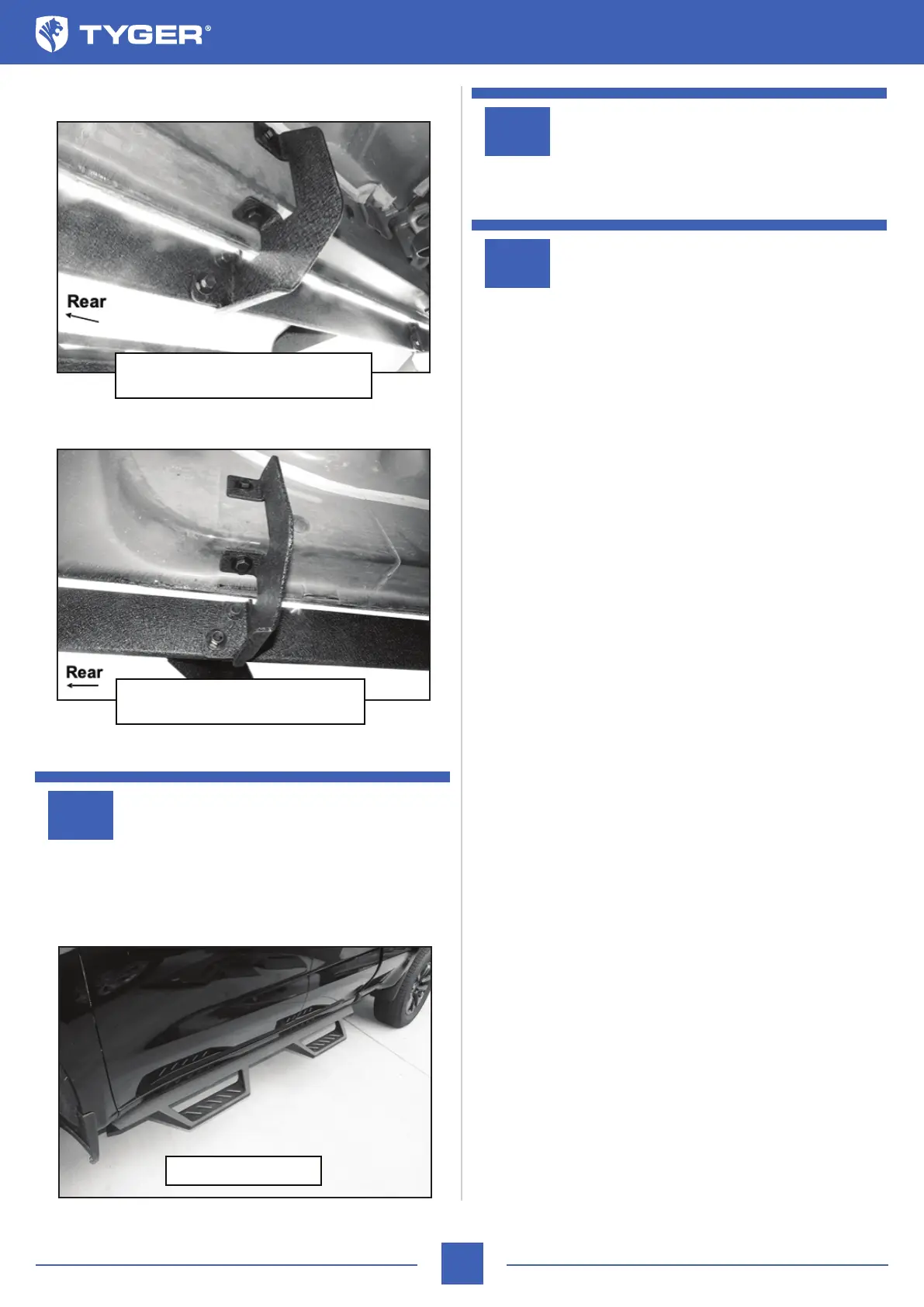
(Fig 13) Driver/Left TYGER LanderX
attached to Third Mounting Bracket
(Fig 14) Driver/Left TYGER LanderX
attached to rear Mounting Bracket
Complete Installation



 To Previous Page