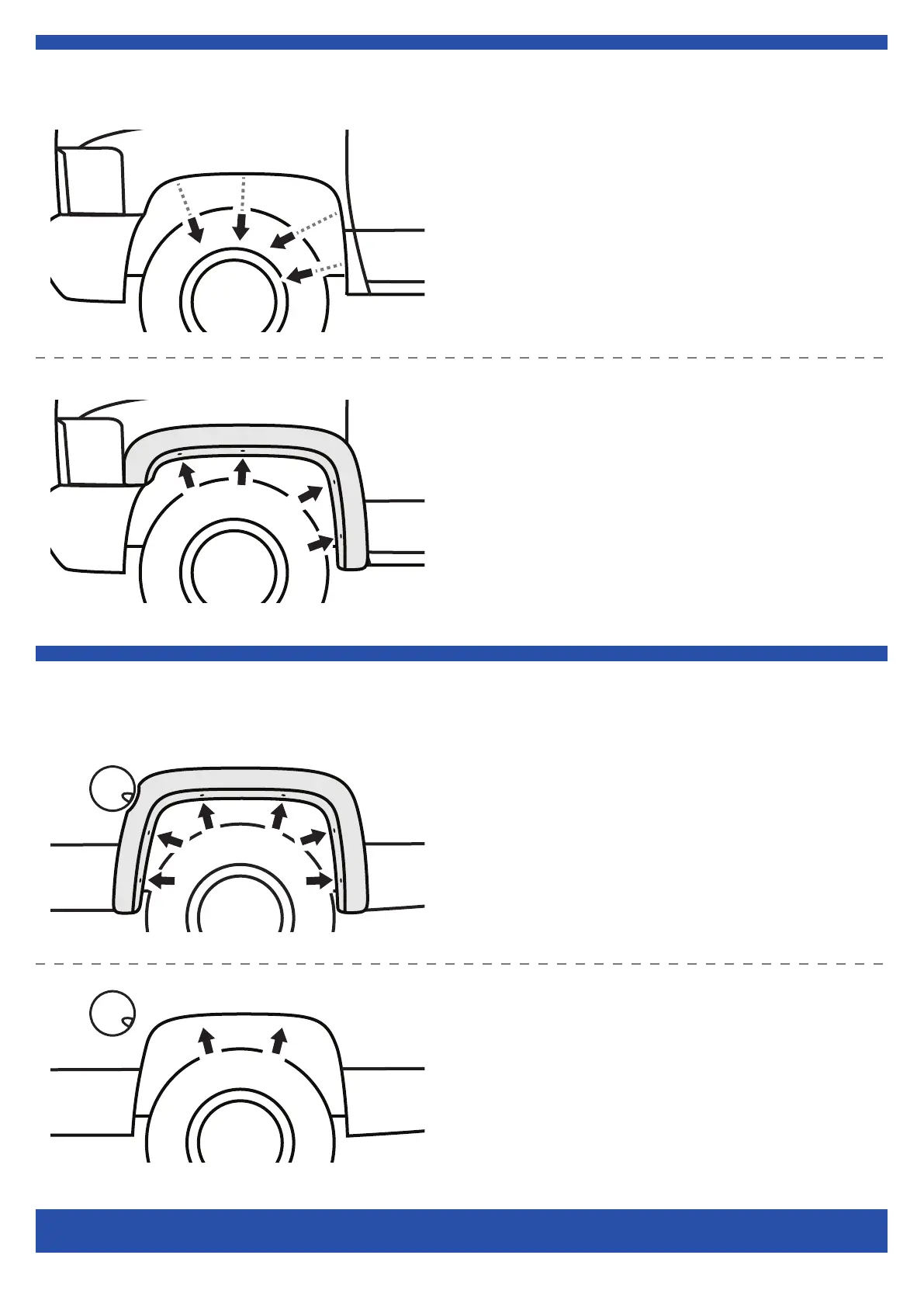
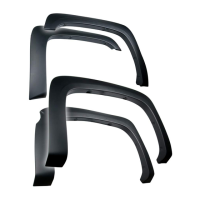
Front Driver Side Flare Installation
2/4
Customer Support: www.TygerAuto.com/Contact
Rear Driver Side Flare Installation
(3) Hold flare in position, with a grease pencil, mark 6 locations
using holes in flare as guide. Then, remove flare.
NOTE: If fender liner is installed, remove factory Tufloks first.
(1) Using a 7 mm socket wrench, remove 4 factory screws.
(2) Hold flare in position, reinstall 4 factory screws. Ensure proper
flare fitment, then tighten all screws.
Repeat Step 1 - 2 for front passenger side flare installation.
(4) Slide the supplied U-clips [A] over top 2 factory holes. Refer to
Fig 1 on the last page.


 To Next Page