6
7. INSTALLING THE CAMERA
1
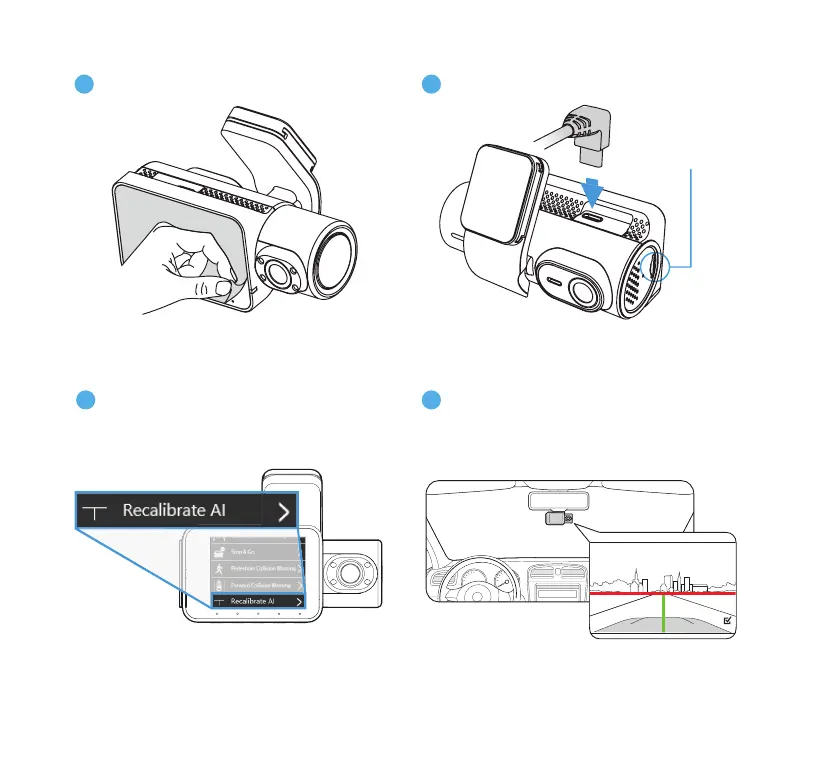
Remove the protective lm from the
display screen.
MicroSD Card
(Factory-Installed)
2
Power up the camera.
3
Calibration mode will engage upon
initial use. To access it manually,
please pause recording, go to Menu >
Driver Assistance > Recalibrate AI.
4
Hold the camera against your windshield.
Align the GREEN LINE with the center of
your vehicle to nd the optimal mounting
position.



 To Next Page