78
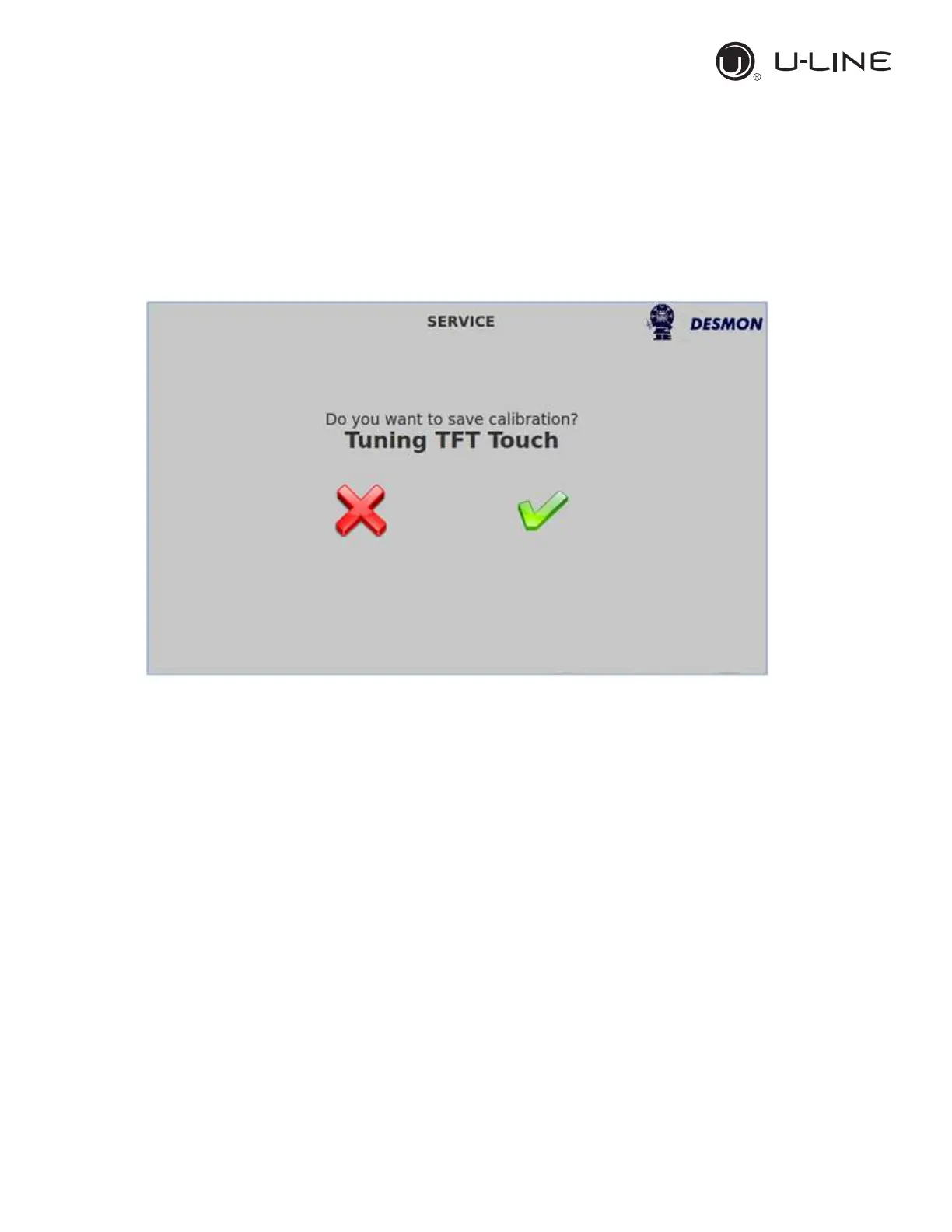
Press on the CAL tab, locate the red cross in the upper left hand corner and
push on it, the cross will move to the upper right hand corner, push there and
then to the lower left hand corner, push there and finally to the lower right
hand corner, push there. Push then on the green checkmark to, the calibration
is completed.


 To Next Page
 Loading...