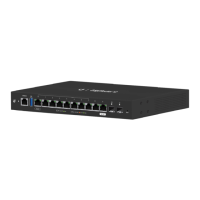
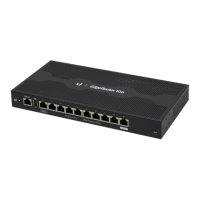
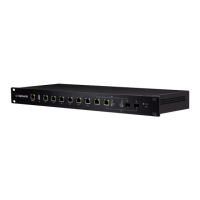
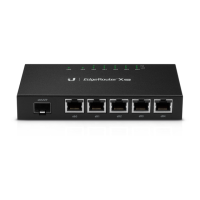
7
Hardware Installation
Accessing the EdgeOS Configuration Interface
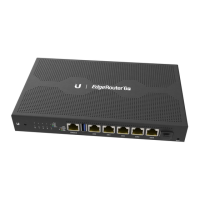
1. Connect an Ethernet cable from the Ethernet port of your
computer to the port labeled 0 on the EdgeRouter Lite.
2. Configure the Ethernet adapter on your host system with a
static IP address on the 192.168.1.x subnet (e.g., 192.168.1.100).
3. Launch your web browser. Type https://192.168.1.1 in the
address field. Press enter (PC) or return (Mac).
4. The login screen will appear. Enter ubnt in the Username
and Password fields. Read the Ubiquiti License Agreement,
and check the box next to I agree to the terms of this License
Agreement to accept it. Click Login.
The EdgeOS Configuration Interface will appear, allowing you to
customize your settings as needed.
Refer to the EdgeRouter Lite User Guide for instructions on
configuring the EdgeRouter Lite. The User Guide is available at
documentation.ubnt.com



 To Next Page
 Loading...