2. Connect the Power Cord to the Power Adapter. Connect the
other end of the Power Cord to a power outlet.
Accessing the EdgeOS Configuration Interface
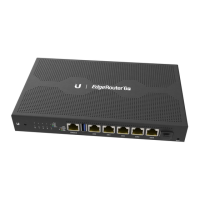
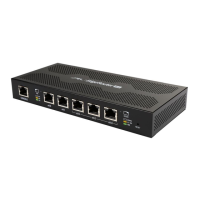
1. Connect an Ethernet cable from the Ethernet port of your
computer to the port labeled eth0 on the EdgeRouter Lite.
2. Configure the Ethernet adapter on your host system
with a static IP address on the 192.168.1.x subnet
(e.g.,192.168.1.100).
3. Launch your web browser. Type https://192.168.1.1 in the
address field. Press enter (PC) or return (Mac).







 To Next Page