Hardware Overview
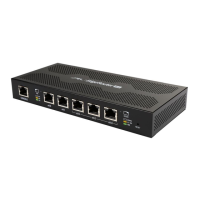
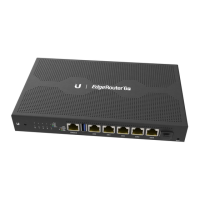
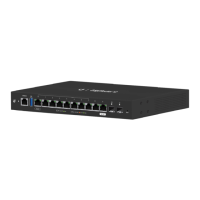
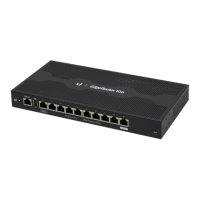
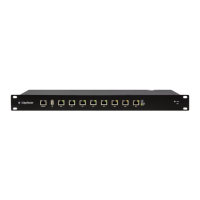
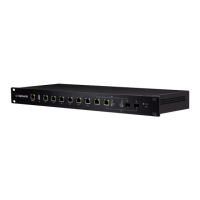
Front Panel Ports
Console RJ45 (eth0-eth7)
SFP (eth6-eth7)
USB
Interface Description
Console
RJ45 serial console port for Command
Line Interface (CLI) management. Use an
RJ45-to-DB9, serial console cable, also
known as a rollover cable, to connect the
Console port to your computer. (If your
computer does not have a DB9 port, then
you will also need a DB9 adapter.) Then
configure the following settings as needed:
• Baud rate 115200
• Data bits 8
• Parity NONE
• Stop bits 1
• Flow control NONE
USB Reserved for future use.
RJ45
(eth0-eth7)
RJ45 ports support 10/100/1000 Ethernet
connections. RJ45 port eth6 or eth7 is
active only if the corresponding SFP port
is empty.
SFP
(eth6-eth7)
SFP ports are hot-swappable and support
100 Mbps or Gigabit fiber SFP modules. If
an SFP module is plugged in, then the SFP
port is active, and the corresponding RJ45
port is deactivated.







 To Next Page