Front Panel Button
Reset
Button Description
Reset
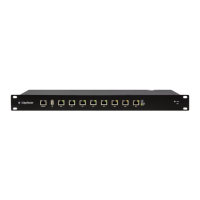
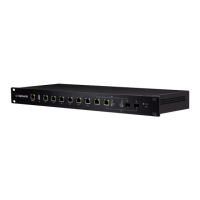
There are two methods to reset the
EdgeRouter PRO to factory defaults:
• Runtime reset (recommended) The
EdgeRouter PRO should be running
after bootup is complete. Press and hold
the Reset button for about 10seconds
until the right LED on RJ45 port eth7
starts flashing and then becomes solidly
lit. After a few seconds, the LED will
turn off, and the EdgeRouter PRO will
automatically reboot.
• Power-on reset Disconnect the Power
Cord from the EdgeRouter PRO. Press and
hold the Reset button while connecting
the Power Cord to the EdgeRouter PRO.
The port LEDs will light up in sequential
order. Keep holding the Reset button
until the LED on the last port starts
flashing, and then release the button.







 To Next Page