Using SFP Ports
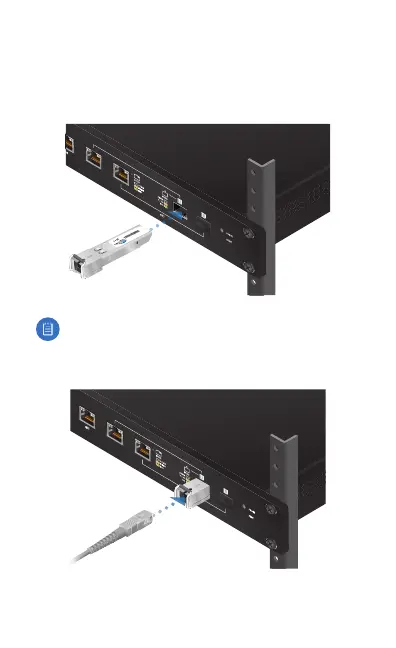
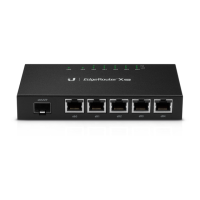
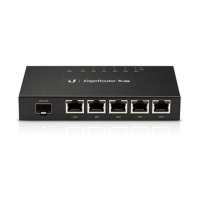
To use an SFP port:
1. Remove the protective plug covering the SFP port.
2. Plug a fiber SFP module into the SFP port.
1000Mbps SM/SC 20KM DDM
Tx1550nm/Rx1310nm
SN: 13 082 6179
EF-1 000 M-2 0K M-1 5
Note: The corresponding RJ45 port will be deactivated.
3. Connect a fiber optic cable to the fiber SFP module. Then
connect the other end of the cable to another fiber device.
For information about compatible fiber SFP modules, visit:
ubnt.link/SFP_DAC_Compatibility







 To Next Page