7. Click Save Changes.
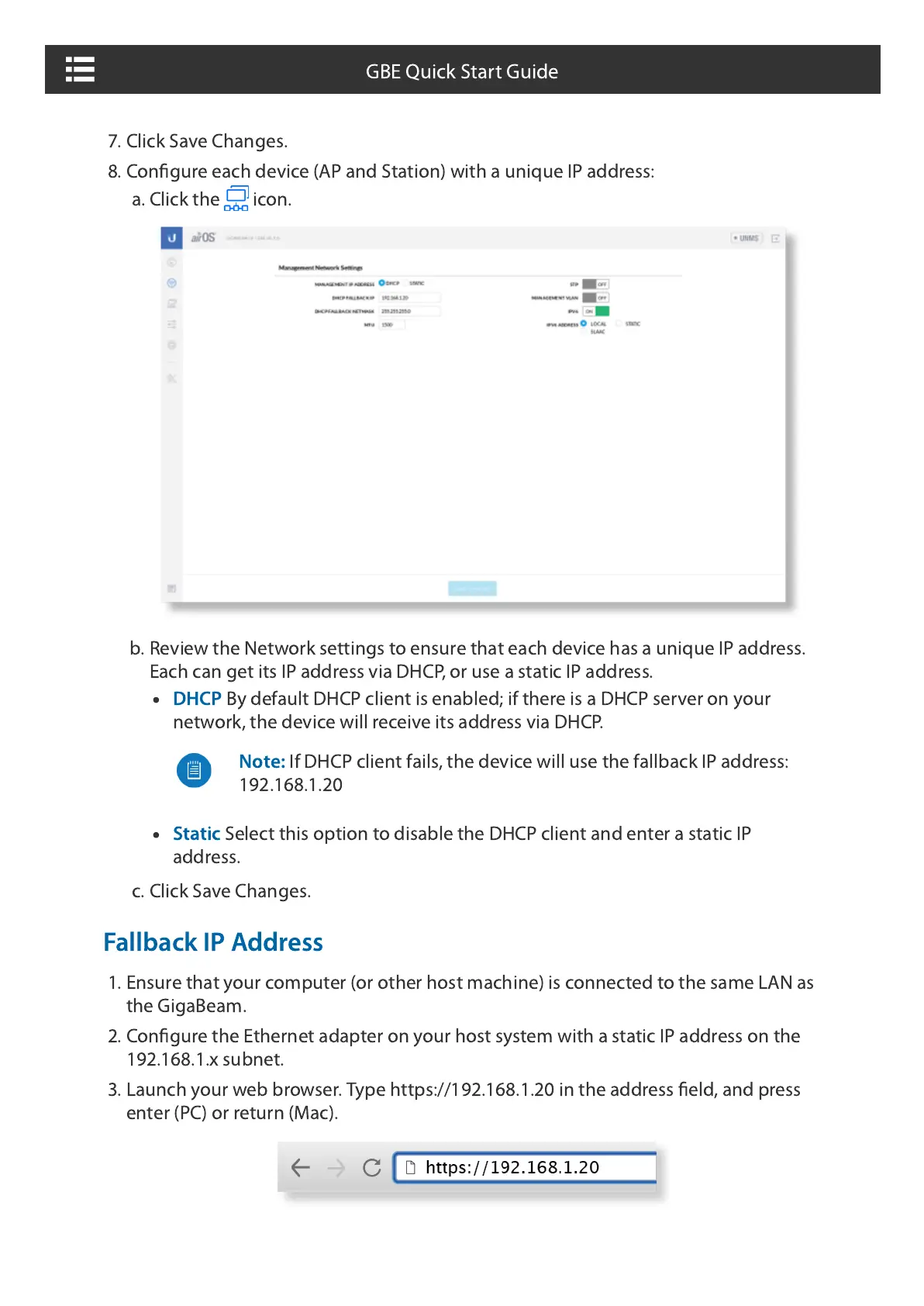
8. Configure each device (AP and Station) with a unique IP address:
a. Click the icon.
b. Review the Network settings to ensure that each device has a unique IP address.
Each can get its IP address via DHCP, or use a static IP address.
DHCP
By default DHCP client is enabled; if there is a DHCP server on your
network, the device will receive its address via DHCP.
Static
Select this option to disable the DHCP client and enter a static IP
address.
c. Click Save Changes.
Fallback IP Address
1. Ensure that your computer (or other host machine) is connected to the same LAN as
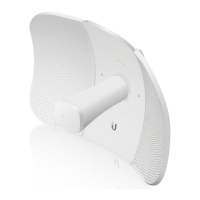
the GigaBeam.
2. Configure the Ethernet adapter on your host system with a static IP address on the
192.168.1.x subnet.
3. Launch your web browser. Type https://192.168.1.20 in the address field, and press
enter (PC) or return (Mac).
Note:
The key is an alphanumeric password between 8 and 63 characters
long.
Note:
If DHCP client fails, the device will use the fallback IP address:
192.168.1.20
GBE Quick Start Guide







 To Next Page