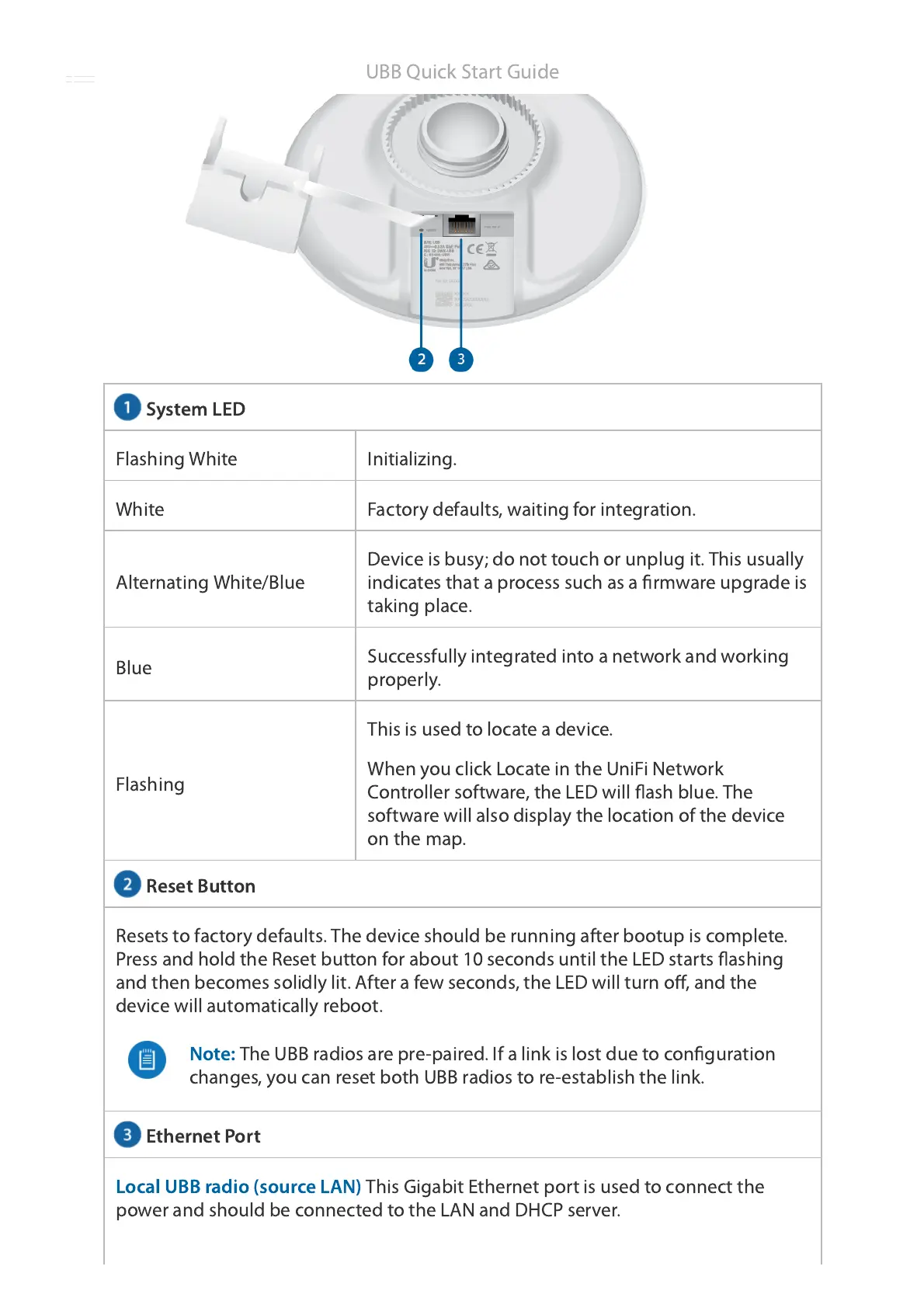
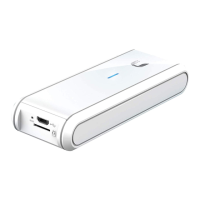
System LED
Reset Button
Ethernet Port
Flashing White Initializing.
White Factory defaults, waiting for integration.
Alternating White/Blue
Device is busy; do not touch or unplug it. This usually
indicates that a process such as a firmware upgrade is
taking place.
Blue
Successfully integrated into a network and working
properly.
Flashing
This is used to locate a device.
When you click Locate in the UniFi Network
Controller software, the LED will flash blue. The
software will also display the location of the device
on the map.
Resets to factory defaults. The device should be running after bootup is complete.
Press and hold the Reset button for about 10 seconds until the LED starts flashing
and then becomes solidly lit. After a few seconds, the LED will turn off, and the
device will automatically reboot.
Note:
The UBB radios are pre-paired. If a link is lost due to configuration
changes, you can reset both UBB radios to re-establish the link.
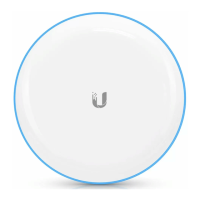
Local UBB radio (source LAN)
This Gigabit Ethernet port is used to connect the
power and should be connected to the LAN and DHCP server.
UBB Quick Start Guide







 To Next Page